

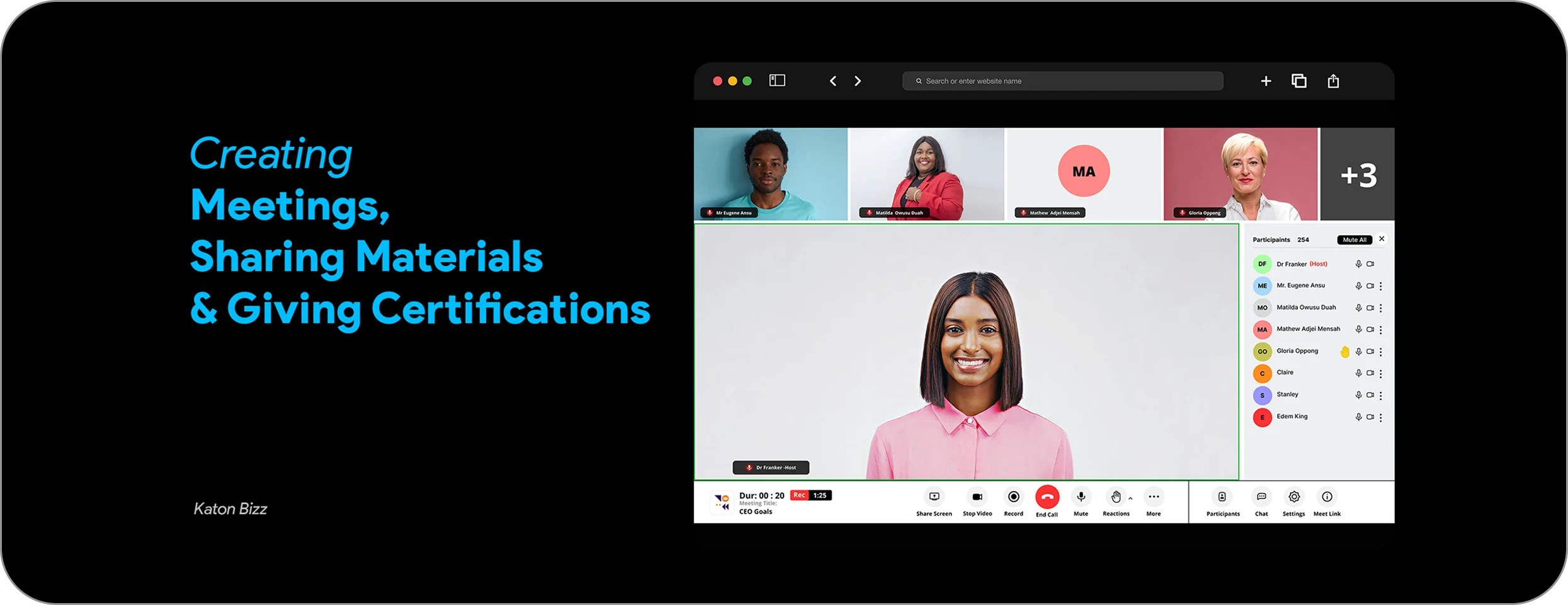
The Problem
As remote communication becomes increasingly essential, many existing meeting tools are overloaded with features, confusing interfaces, and unnecessary steps. Users often experience:
- Complex onboarding
- Confusing navigation
- Slow meeting setup
- Difficulty managing contacts or meeting links
The challenge was to design a fast, intuitive, and clean mobile meeting experience that makes virtual communication effortless.
Target Users & Research Insights
User groups:
- Remote workers
- Teachers
- Schools
- Students / online learners
- Small business teams
- People needing quick 1-on-1 calls
Key Findings / Insights:
- Users want speed more than advanced features
- Keeping screens minimal reduces confusion
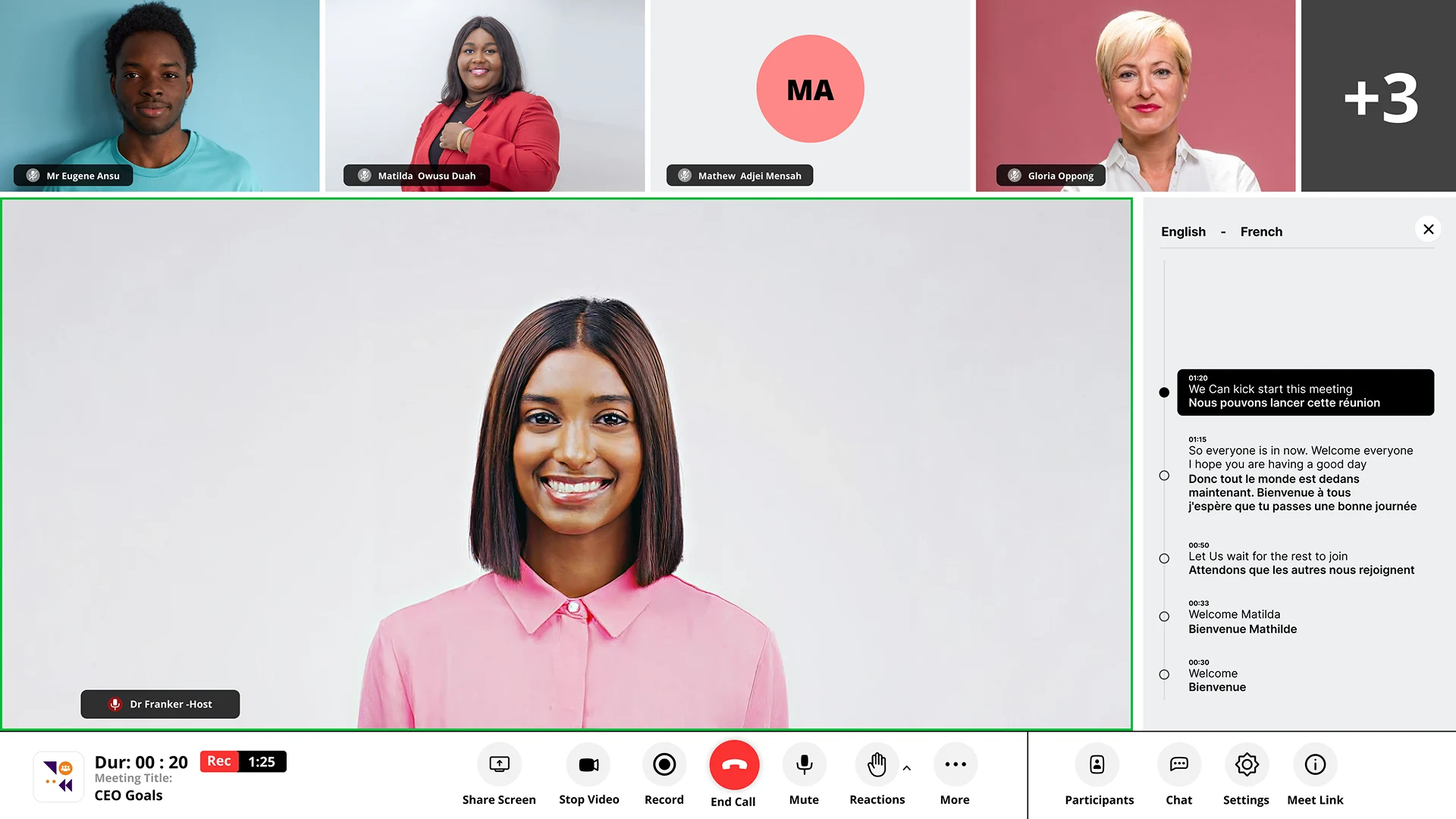
- People often have foreigner on call so they wanted easy way to transcribe language
- Users wanted easy way to have a general training and get certifications
- People often switch between apps; low cognitive load is key
- Clear meeting states (active, upcoming, past) enhance usability
Design Goals & Requirements
Core design goals:
- Reduce steps needed to join or start a meeting
- Make navigation intuitive through clear flows
- Use clean, modern UI for clarity and confidence
- Support both scheduled and instant meetings
- Supports easy sharing of learning materials
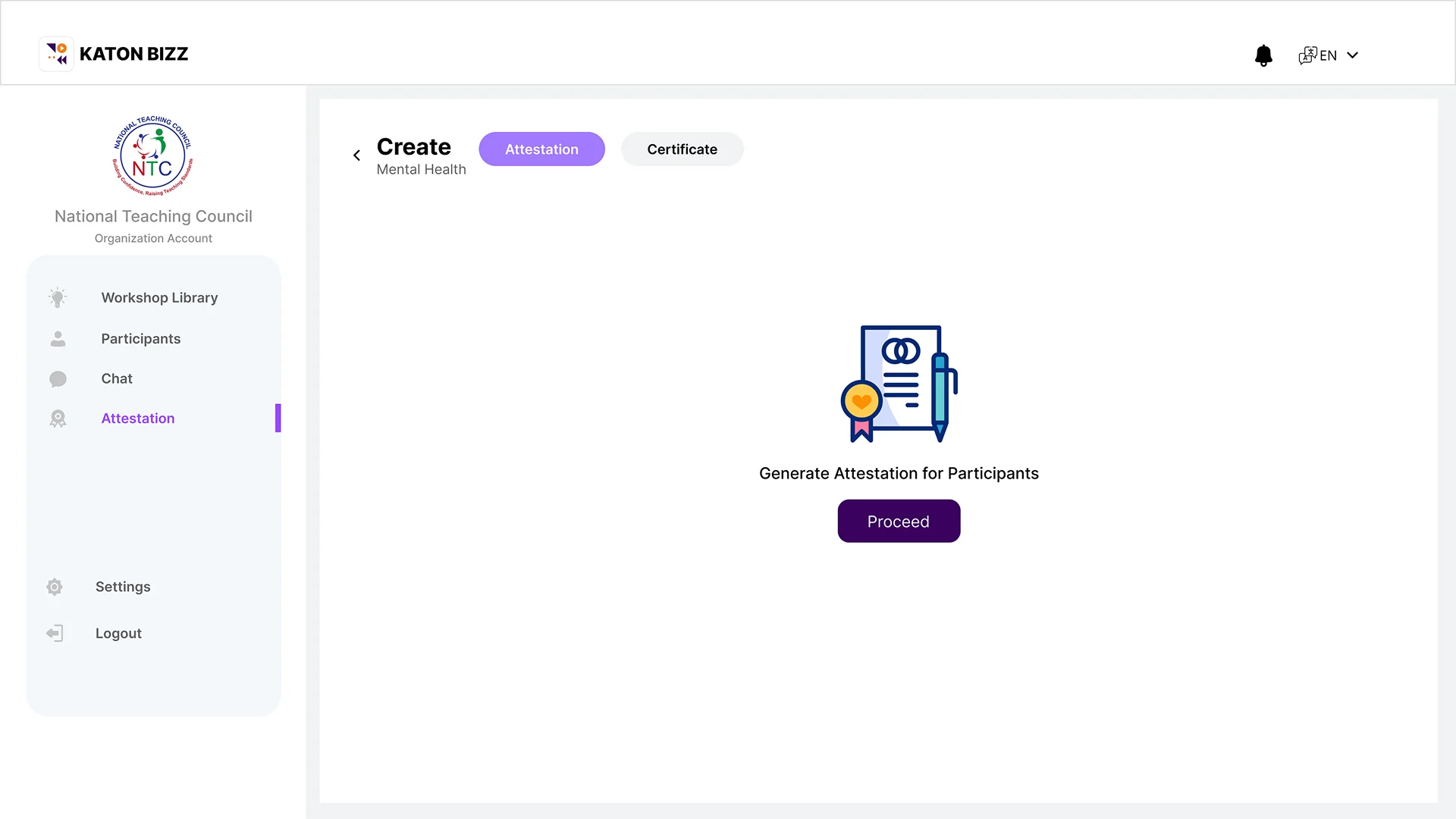
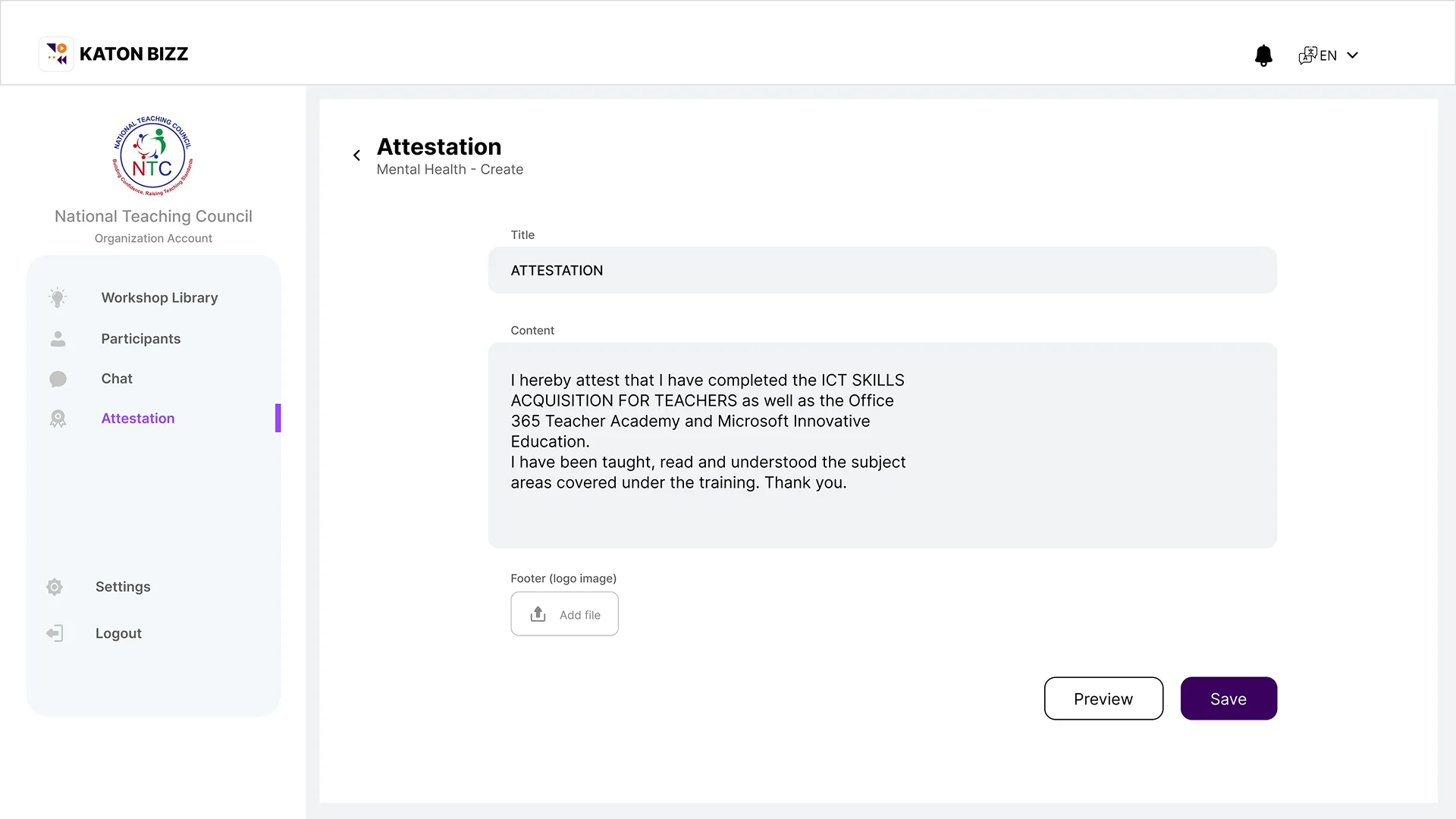
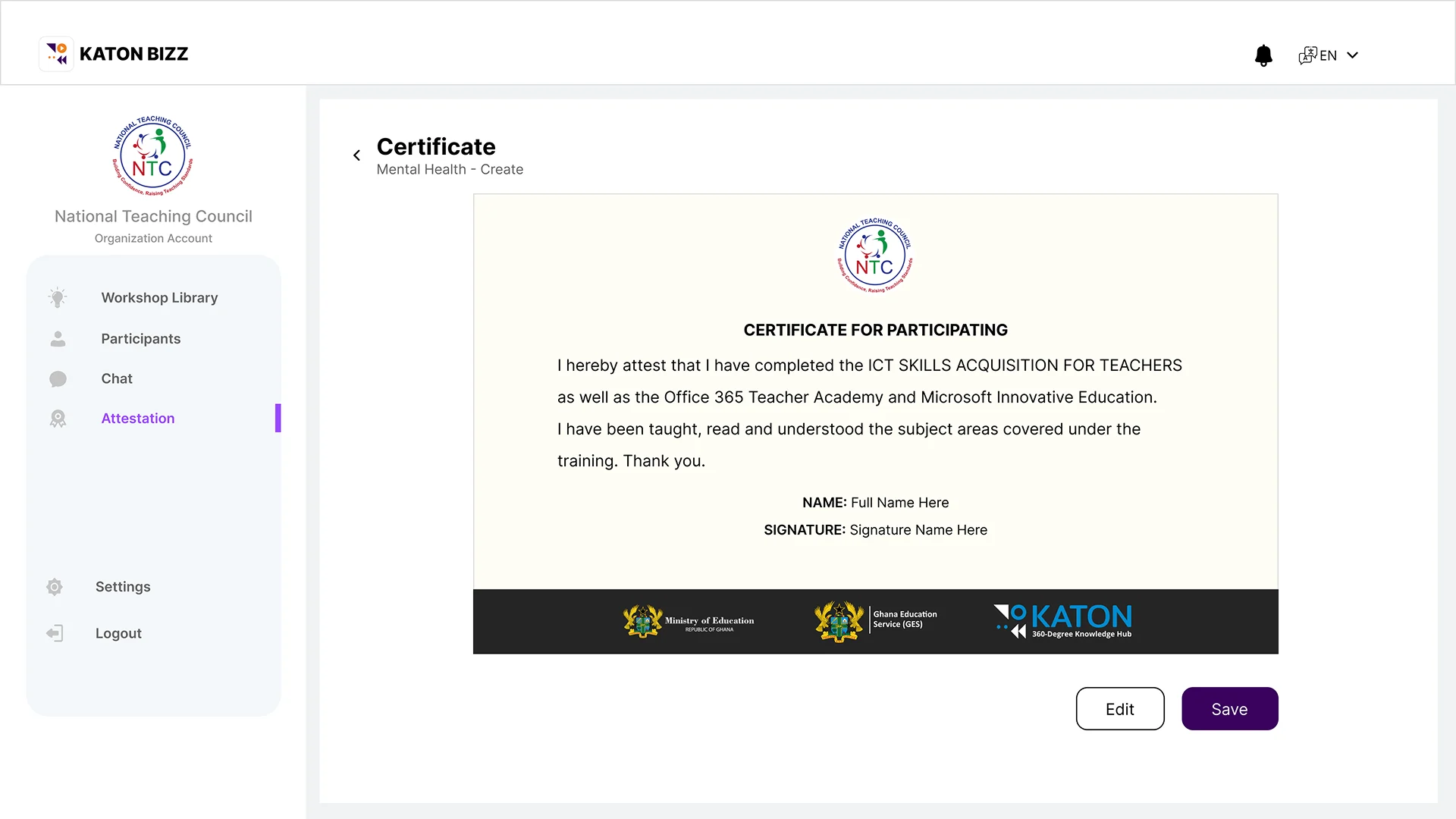
- Ensure certification to Users after training is done
- Ensure accessibility and readability
Product requirements included:
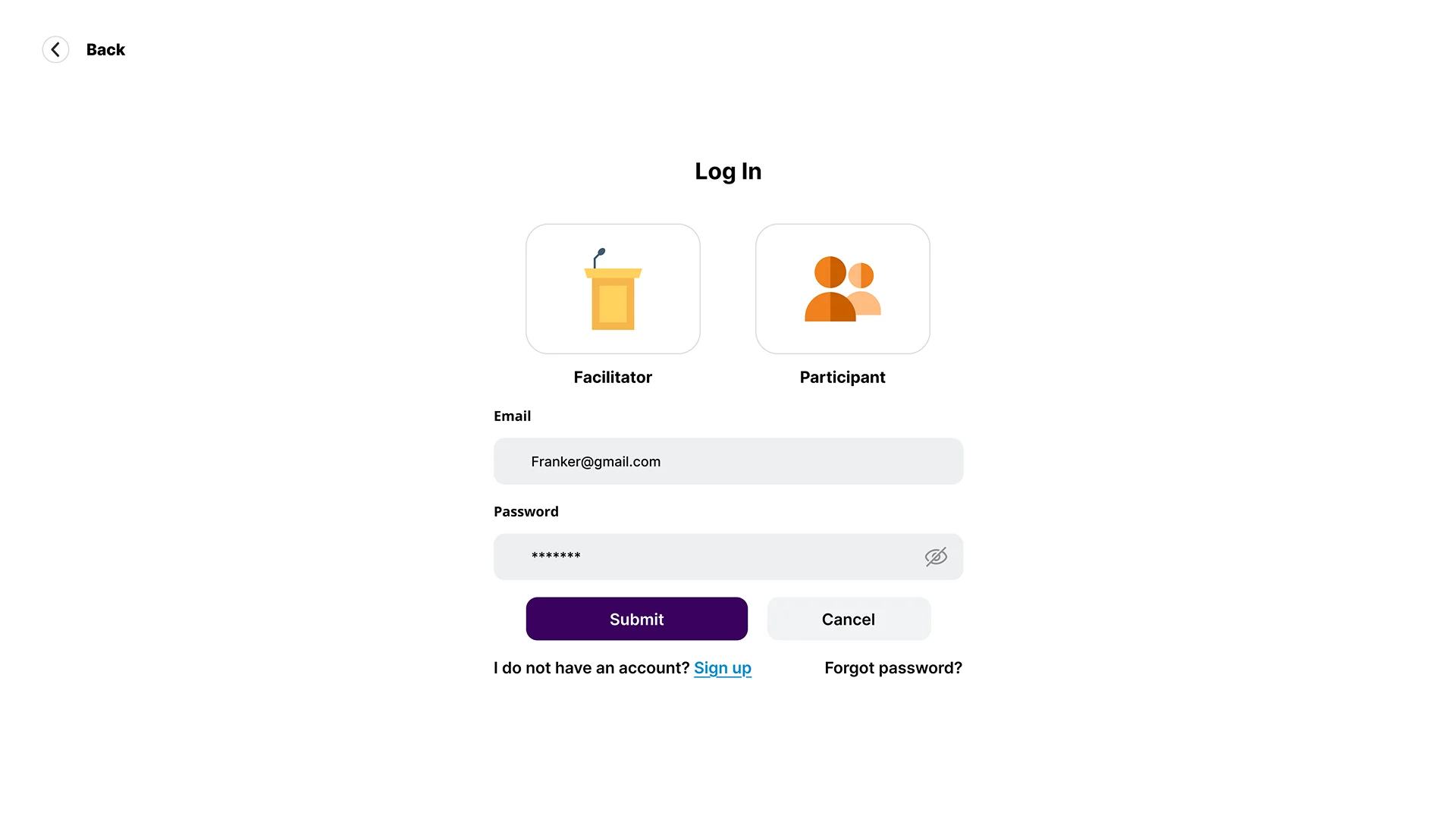
- Login / Authentication
- Dashboard with upcoming or recent meetings
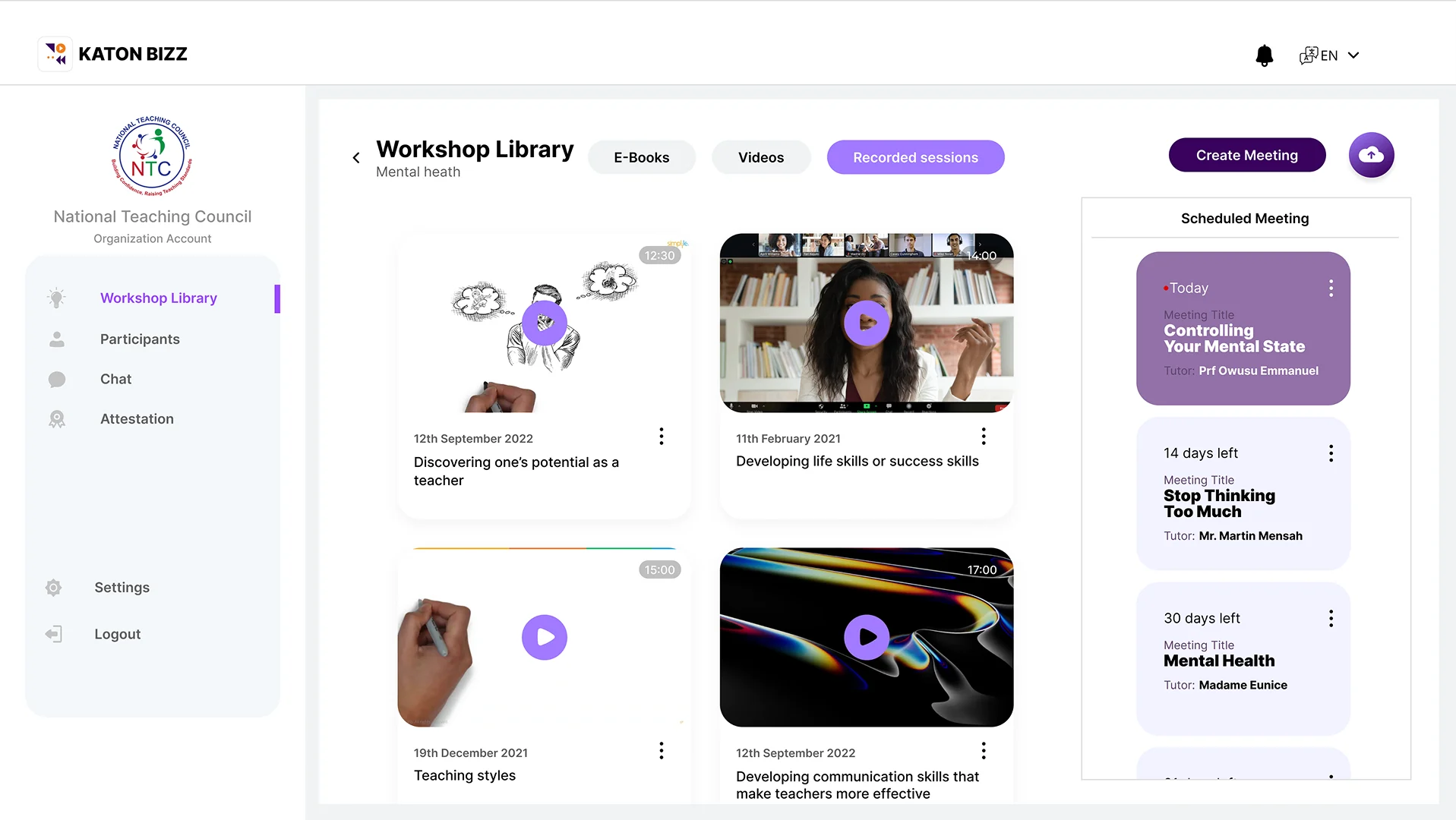
- Recorded sessions
- Join via link or code
- Create new meeting
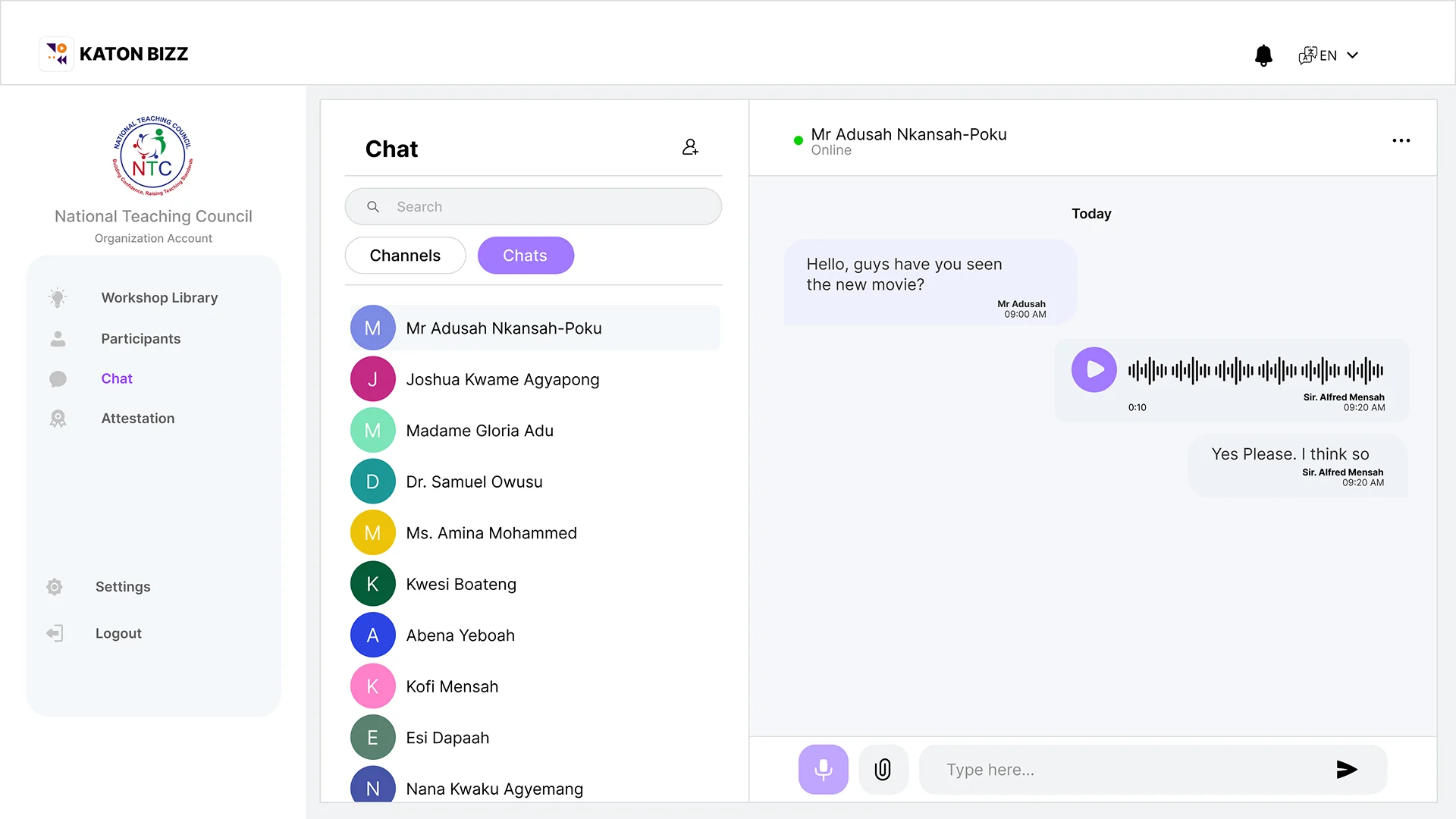
- Chat, Share and Communicate
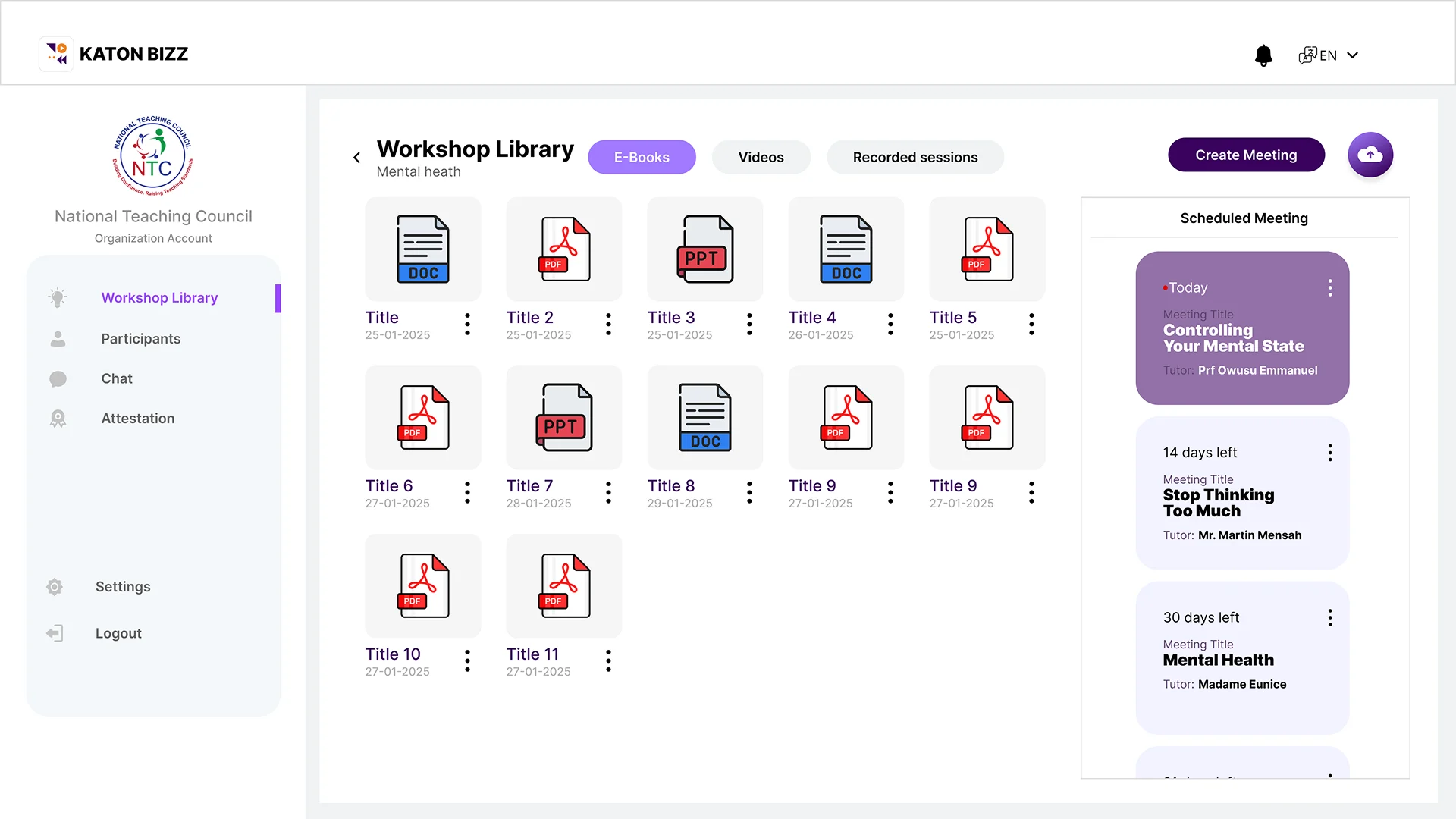
- Create Folders to share learning materials (Documents & Videos)
- Invite participants
- Meeting settings page
- See Analytics and attendees
- Profile & app settings
Design Process
a. User Flow Mapping
- Mapped out critical paths including:
- Onboarding → Login → Home
- Start Meeting → Invite → Call Screen
- Join Meeting → Permissions → Call Screen
- Create Folder → Upload Files → Share document
- Chat →Communicate/share docs
Wireframes & Low-Fidelity Concepts
Explored layout options for:
- Dashboard
- Meeting overview page
- Join meeting interface
- In-call navigation
High-Fidelity UI Design
Built the final UI using:
- Modern color palette
- Clean typography
- Simple iconography
- Consistent spacing and hierarchy
- Smooth transitions for interactions
UI Designs
Meeting Dashboard Flow
Landing Page
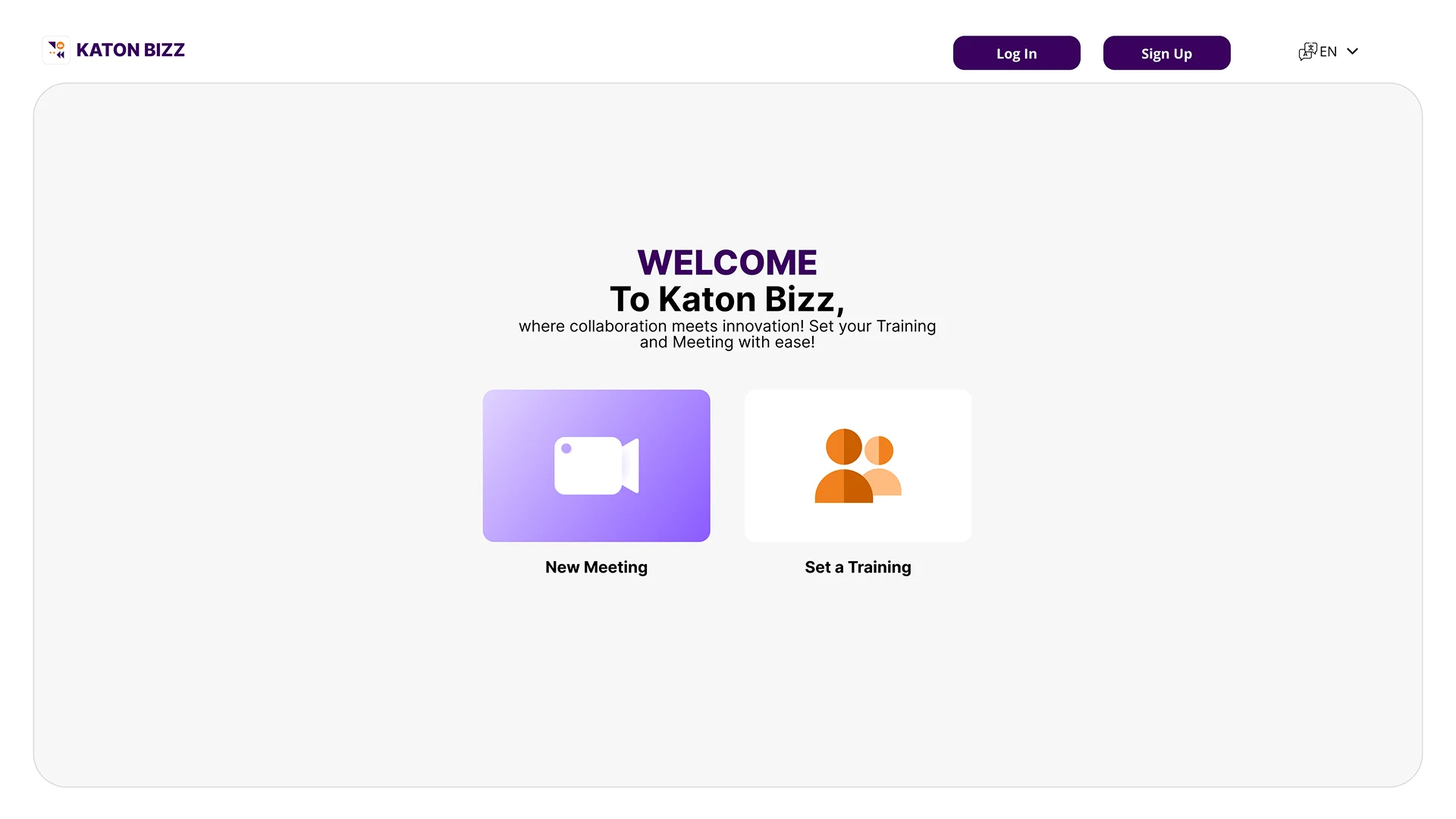
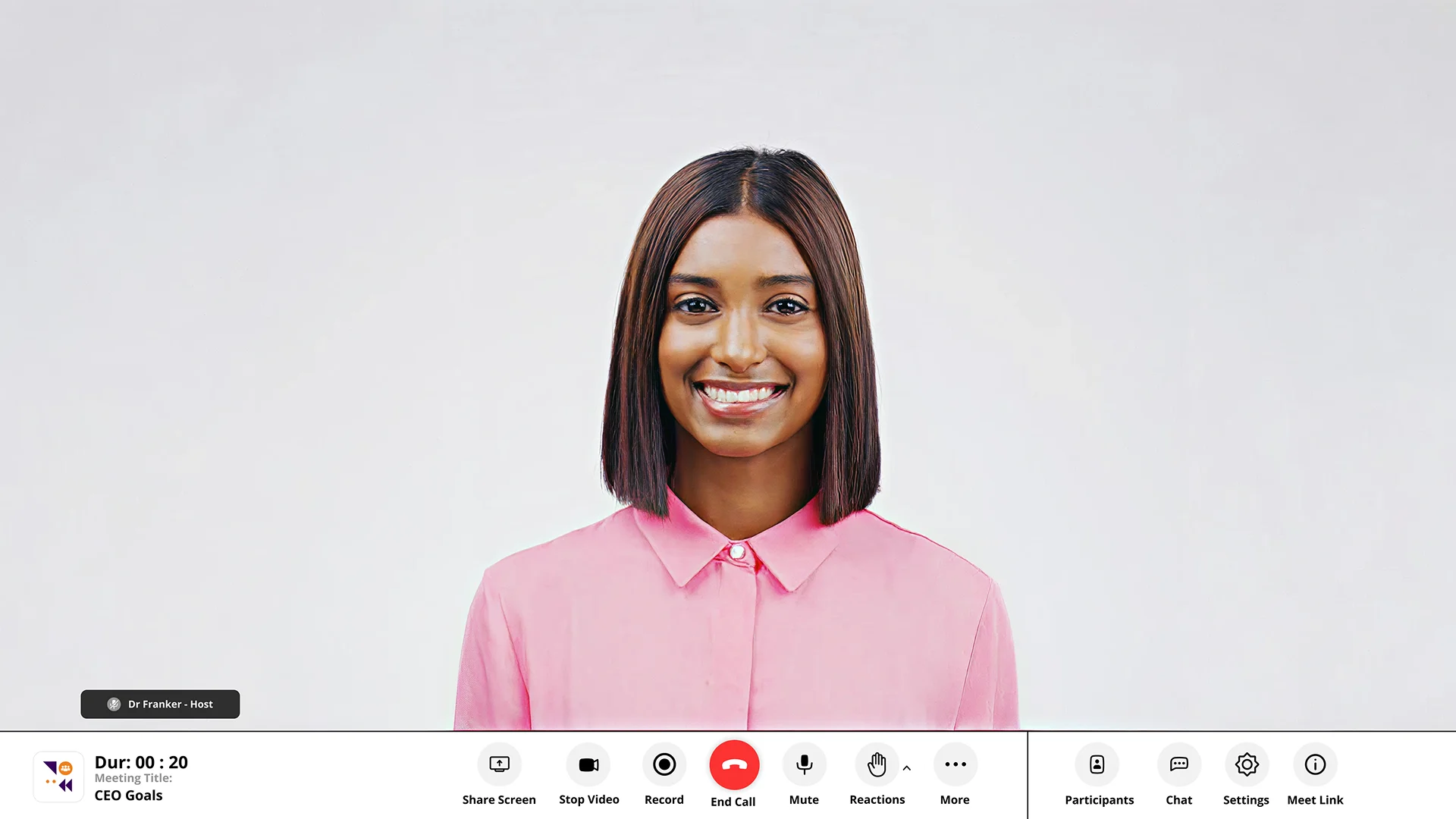
Meeting
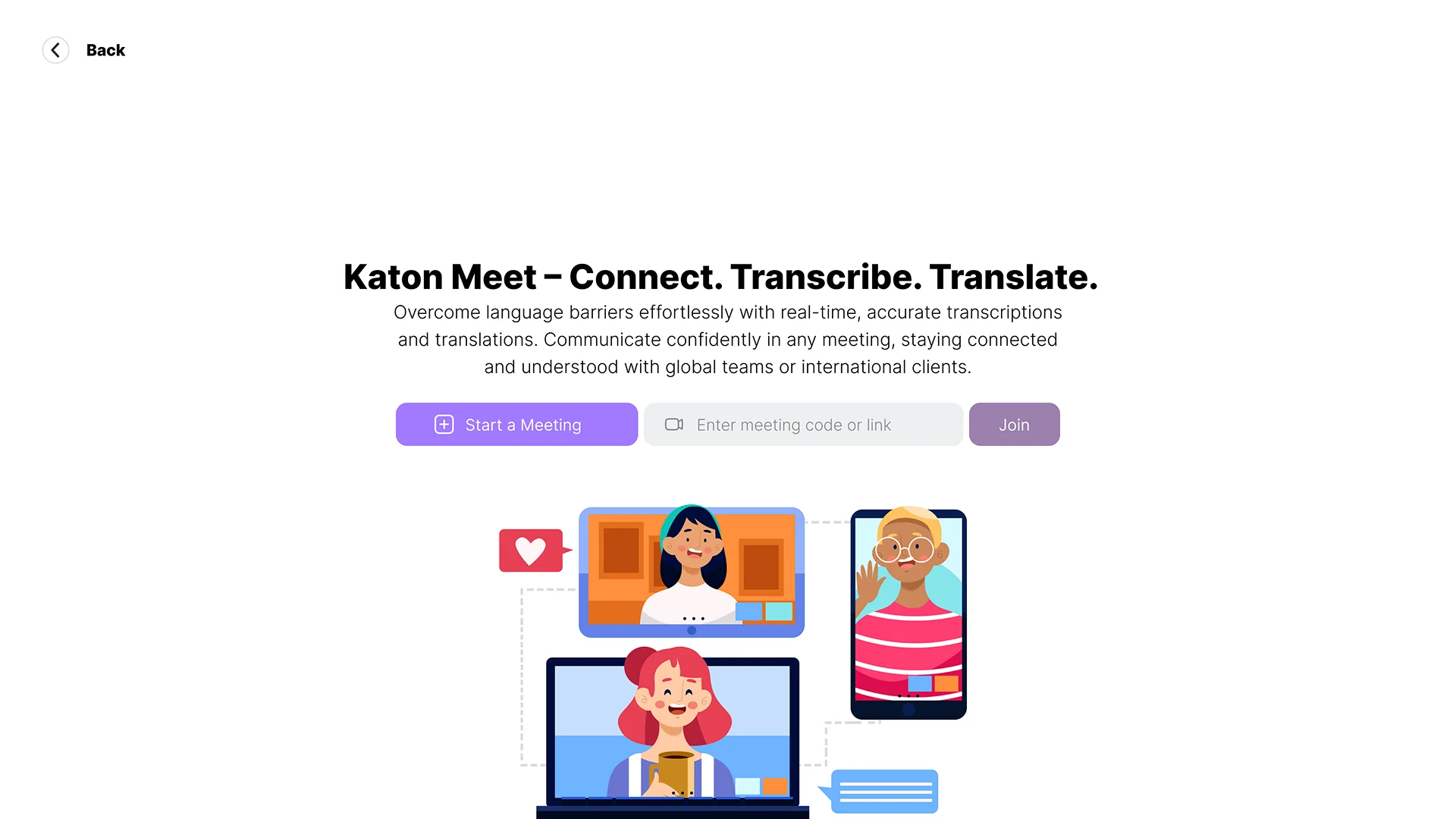
KYC
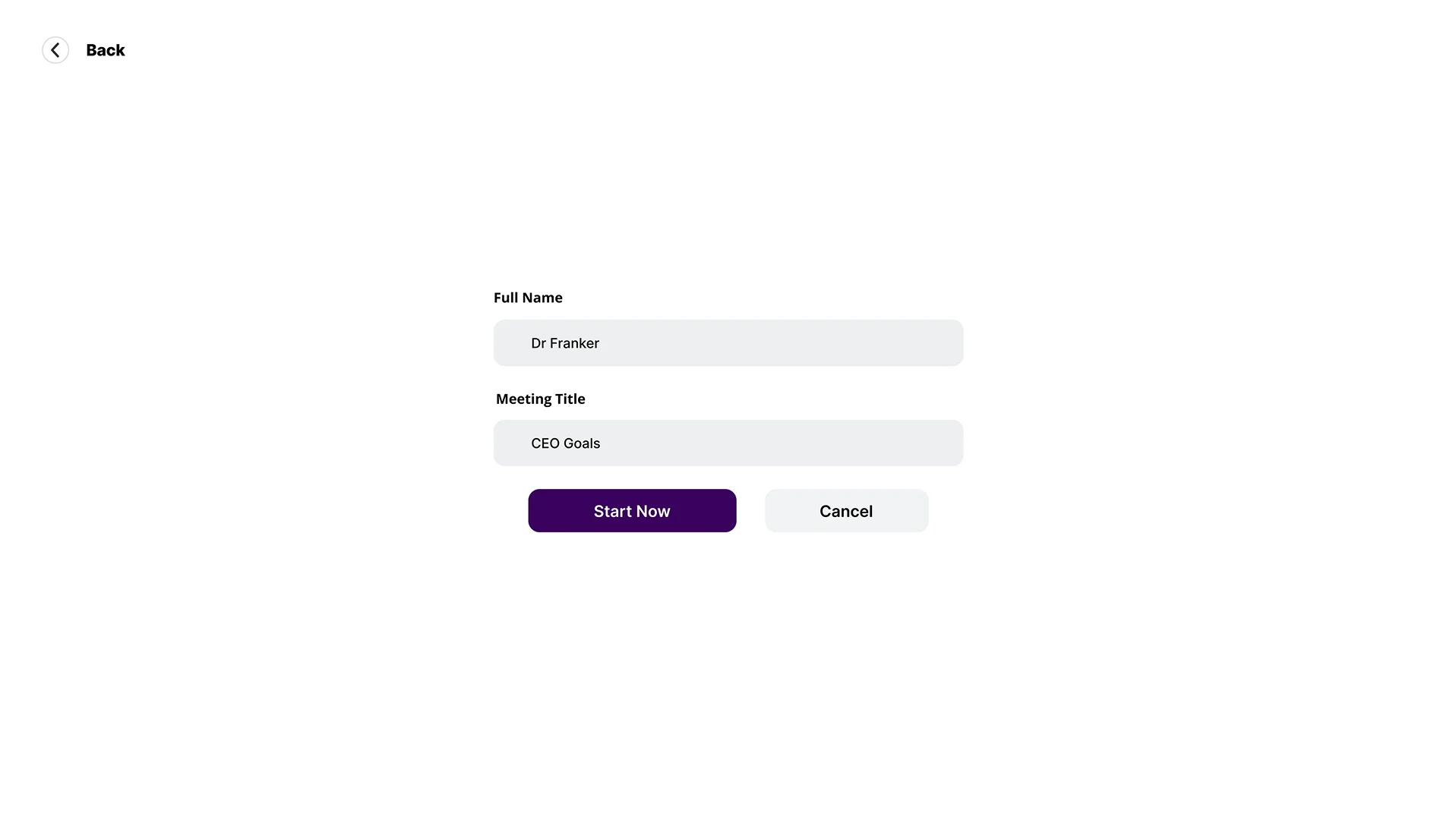
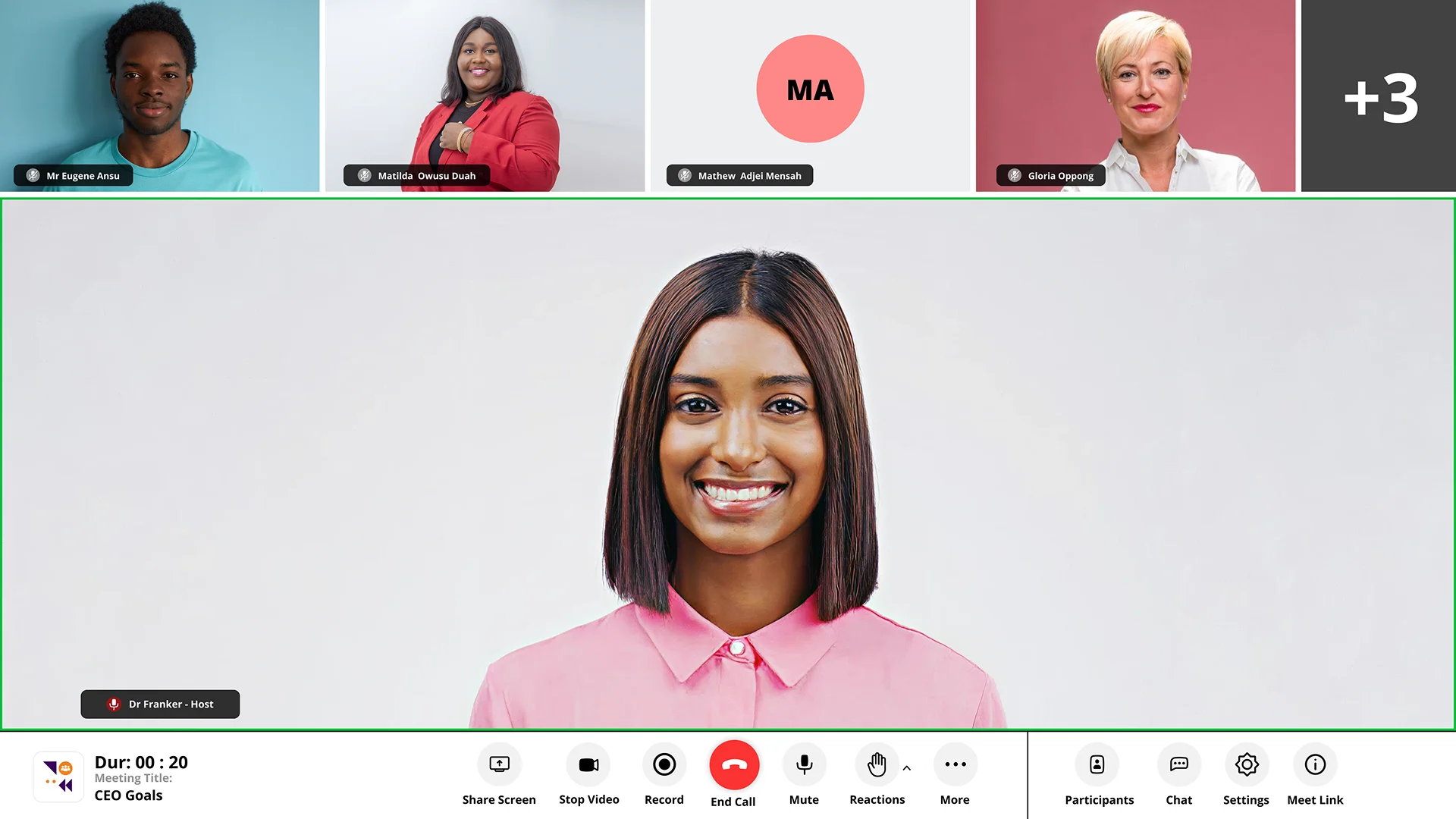
Meeting View
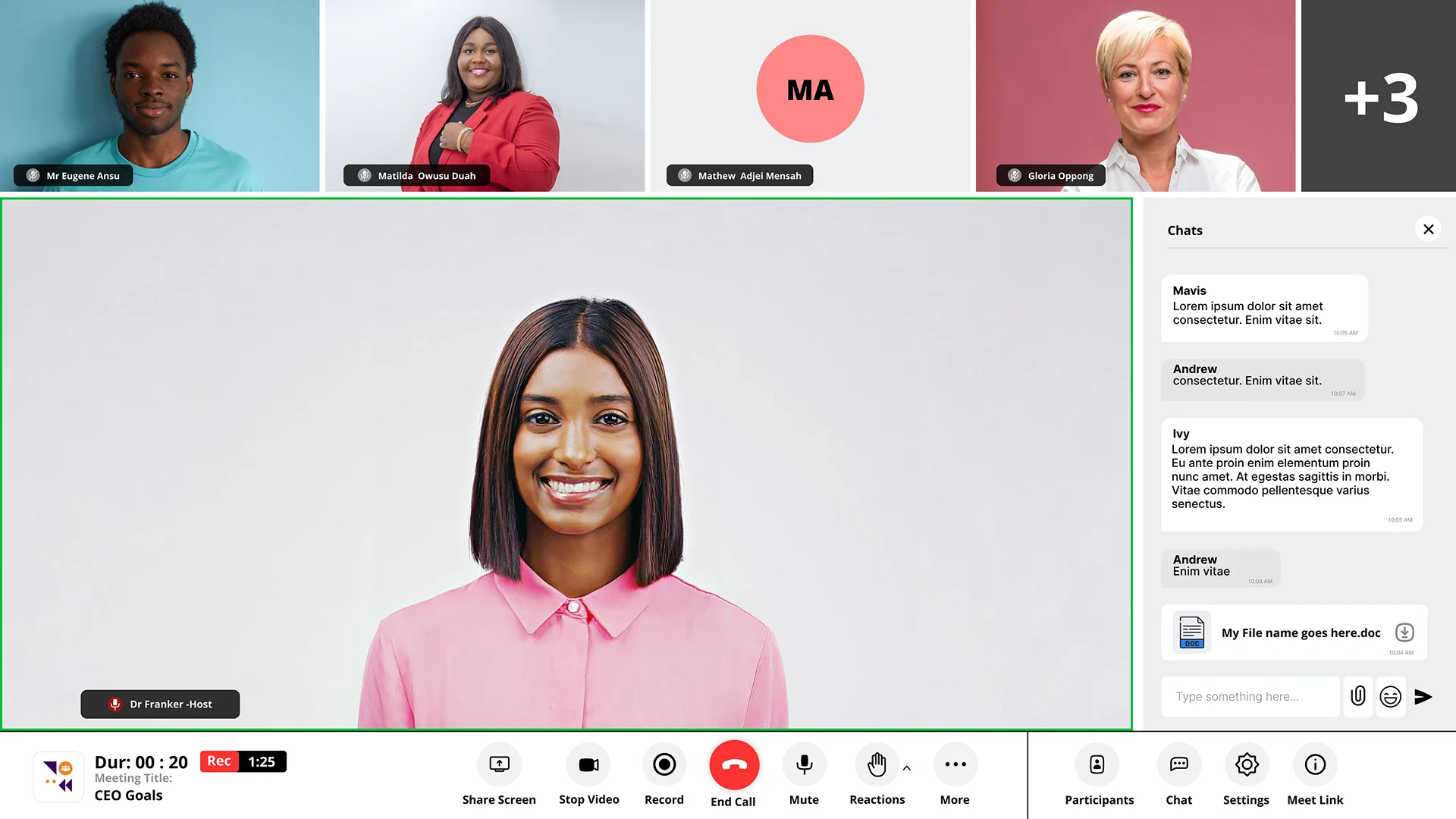
Chats in Meeting
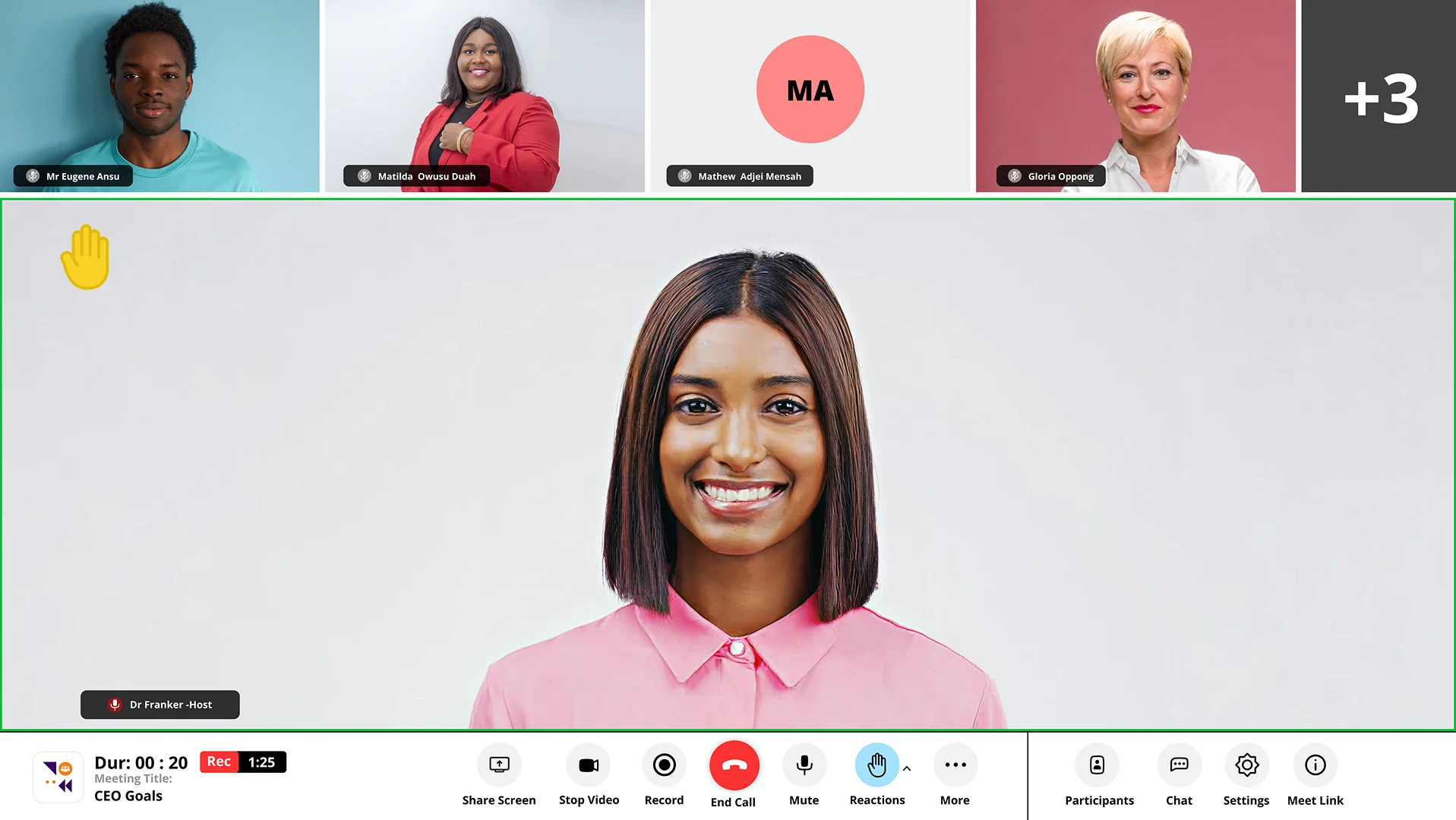
Reactions in Meeting
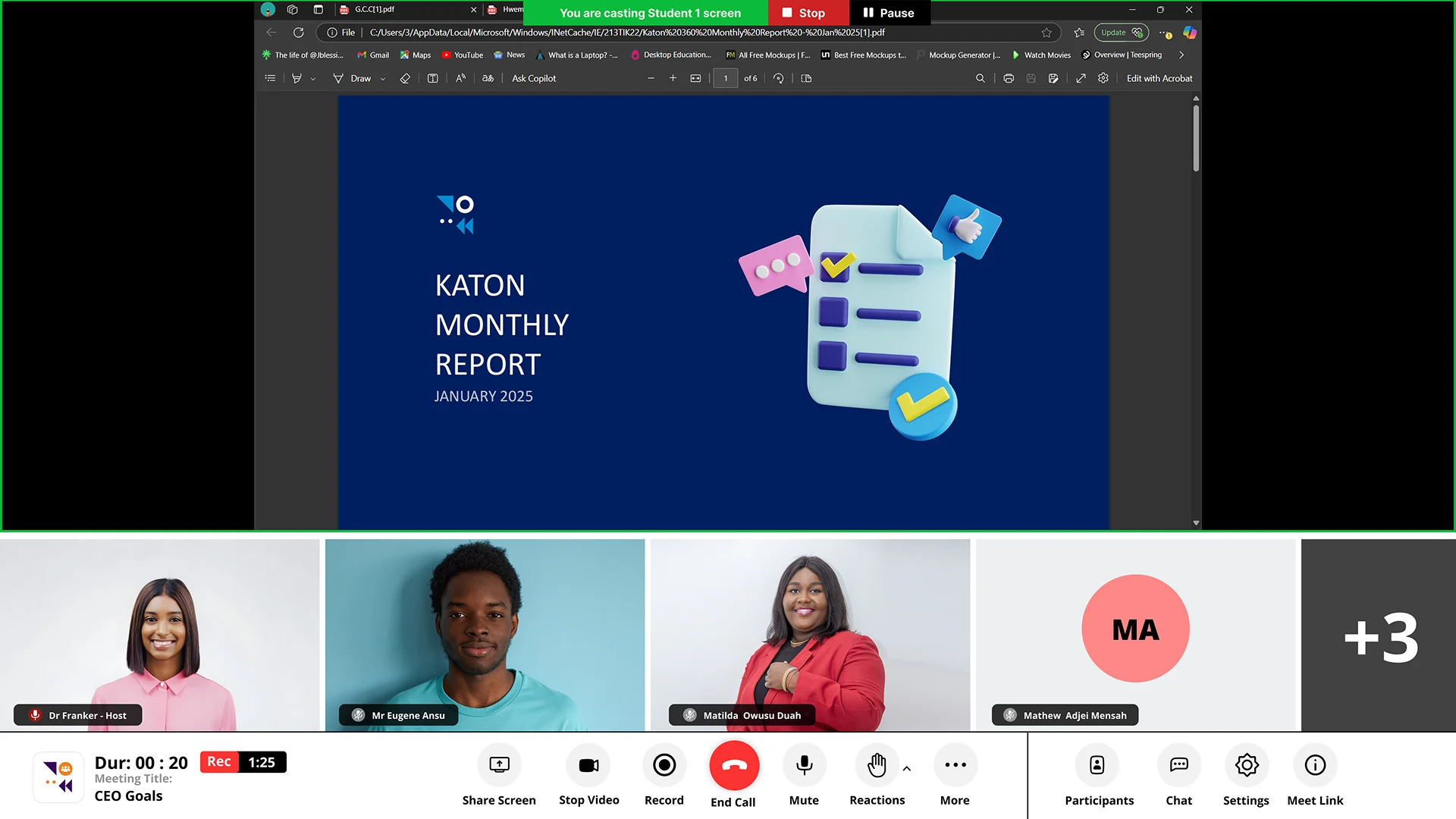
Share Screen
Make Co-Host
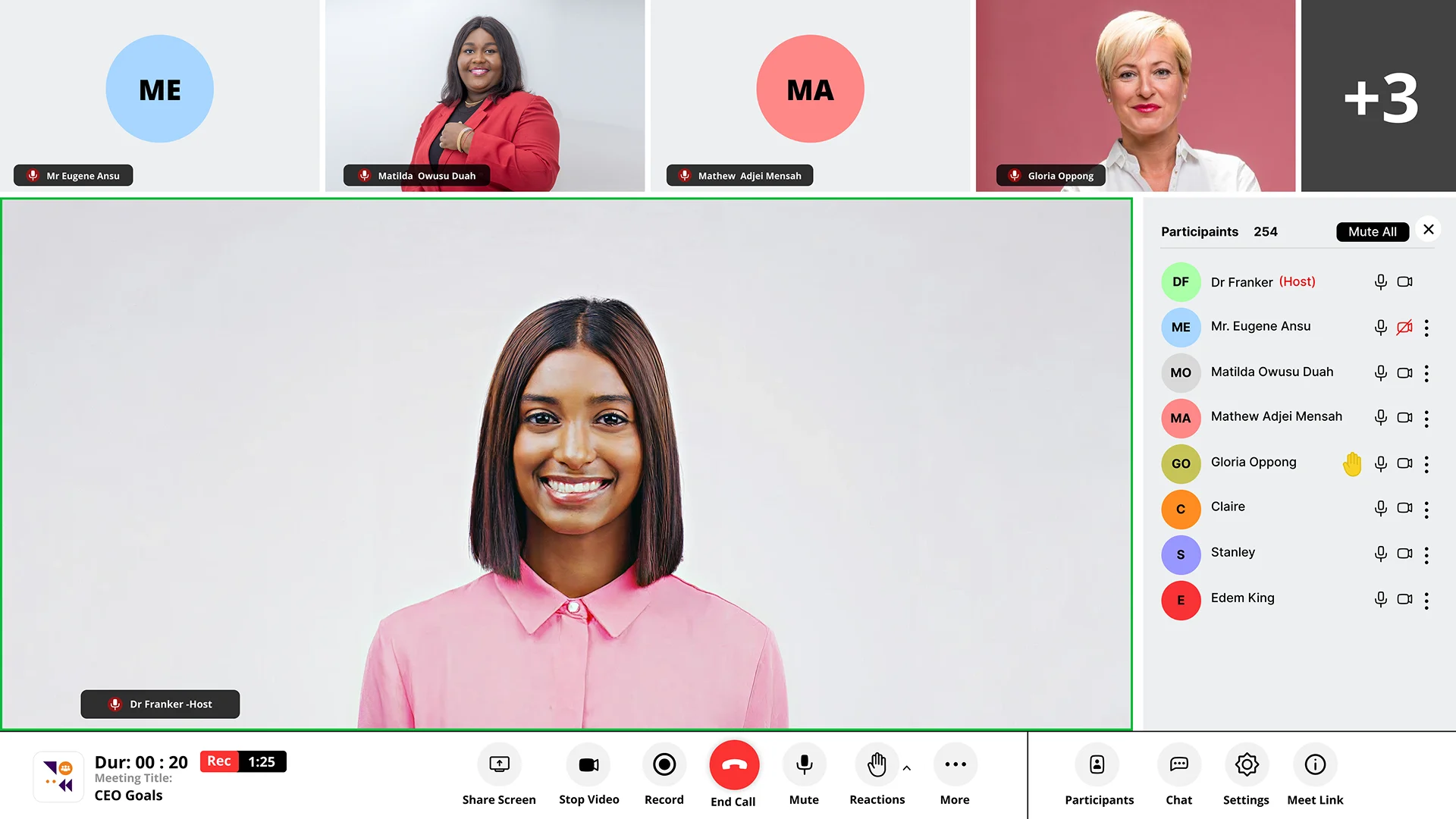
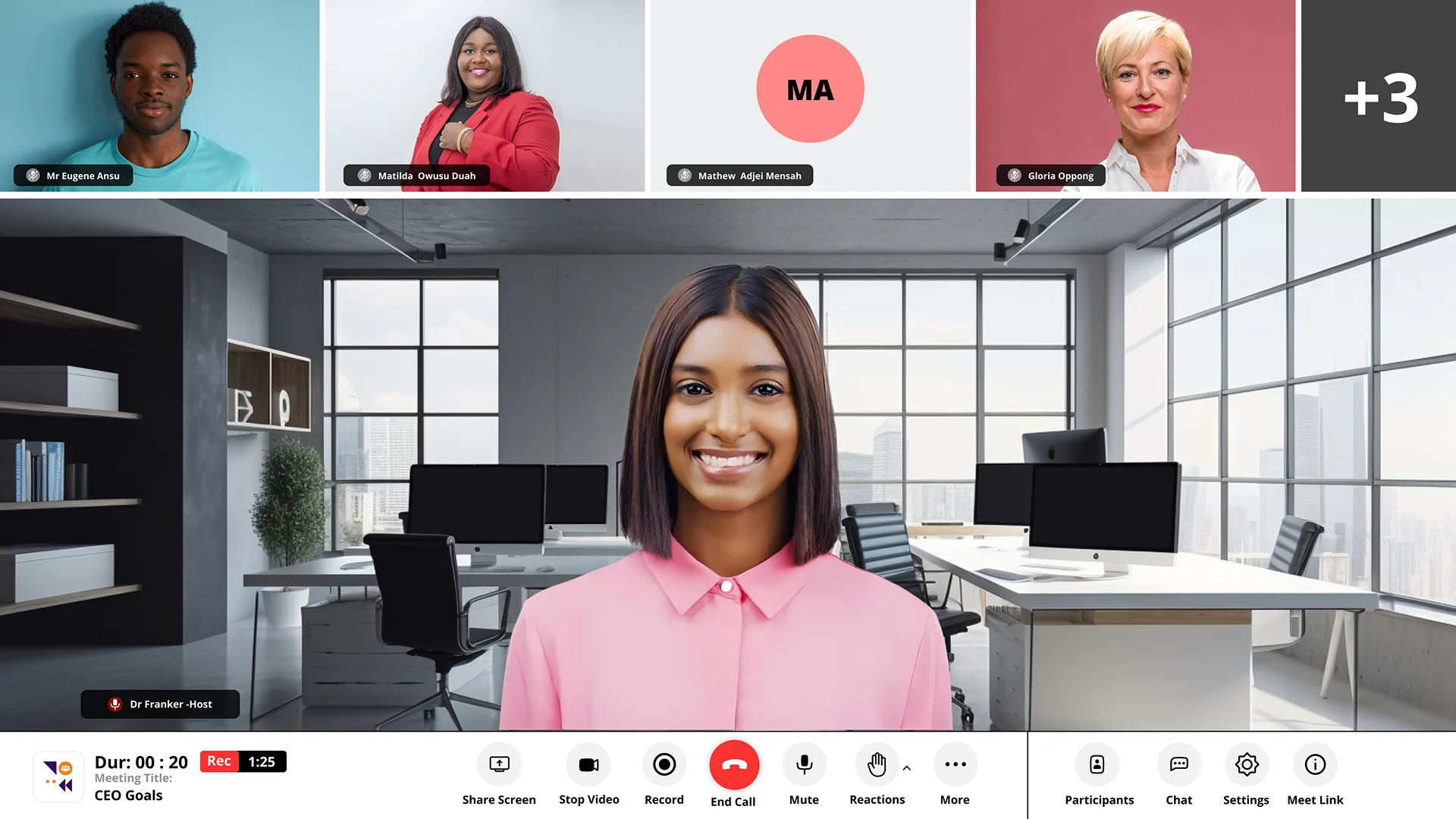
Background Replacement
Translate
Set a Training Flow
Training
Work Library
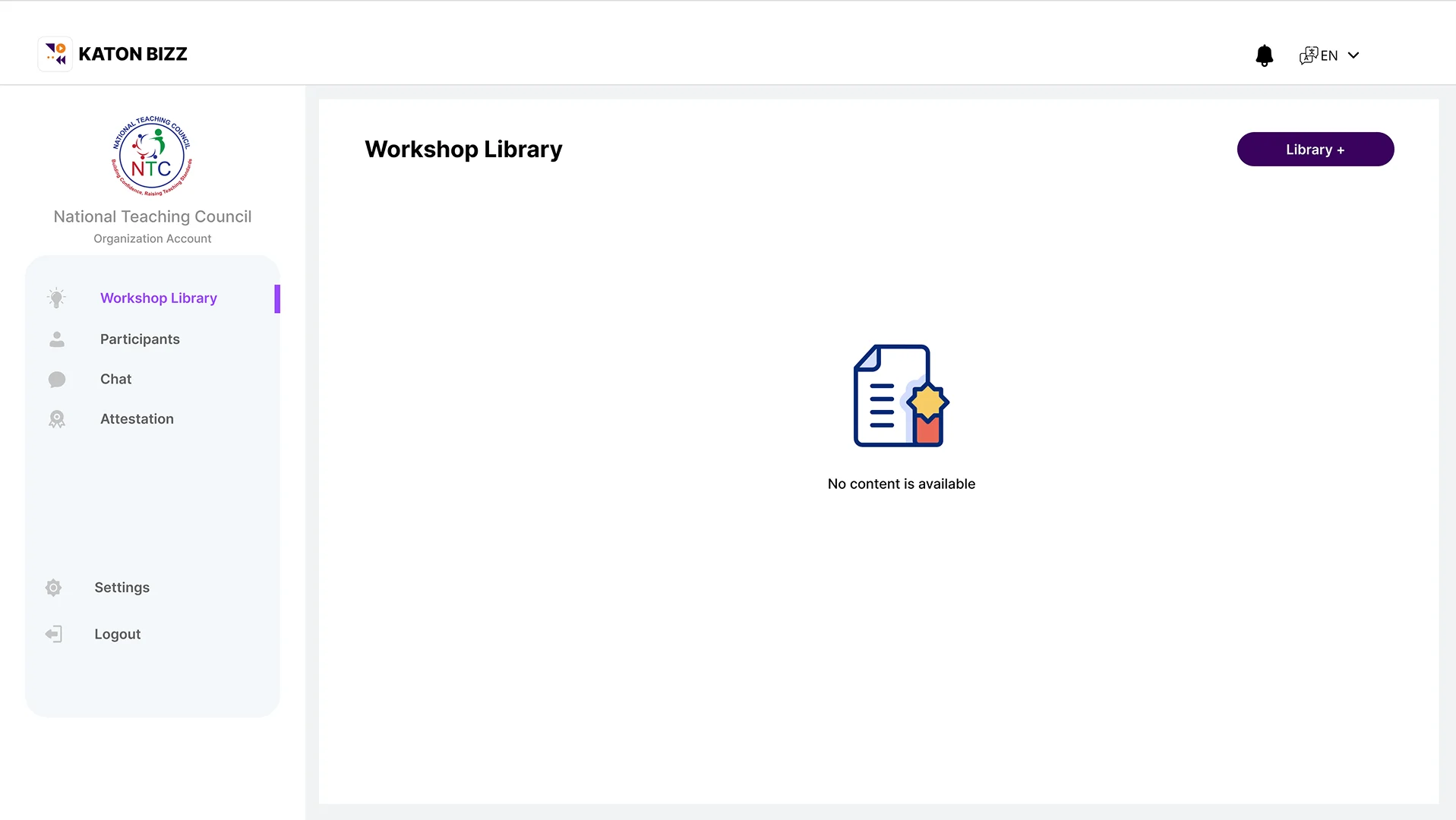
Ebooks
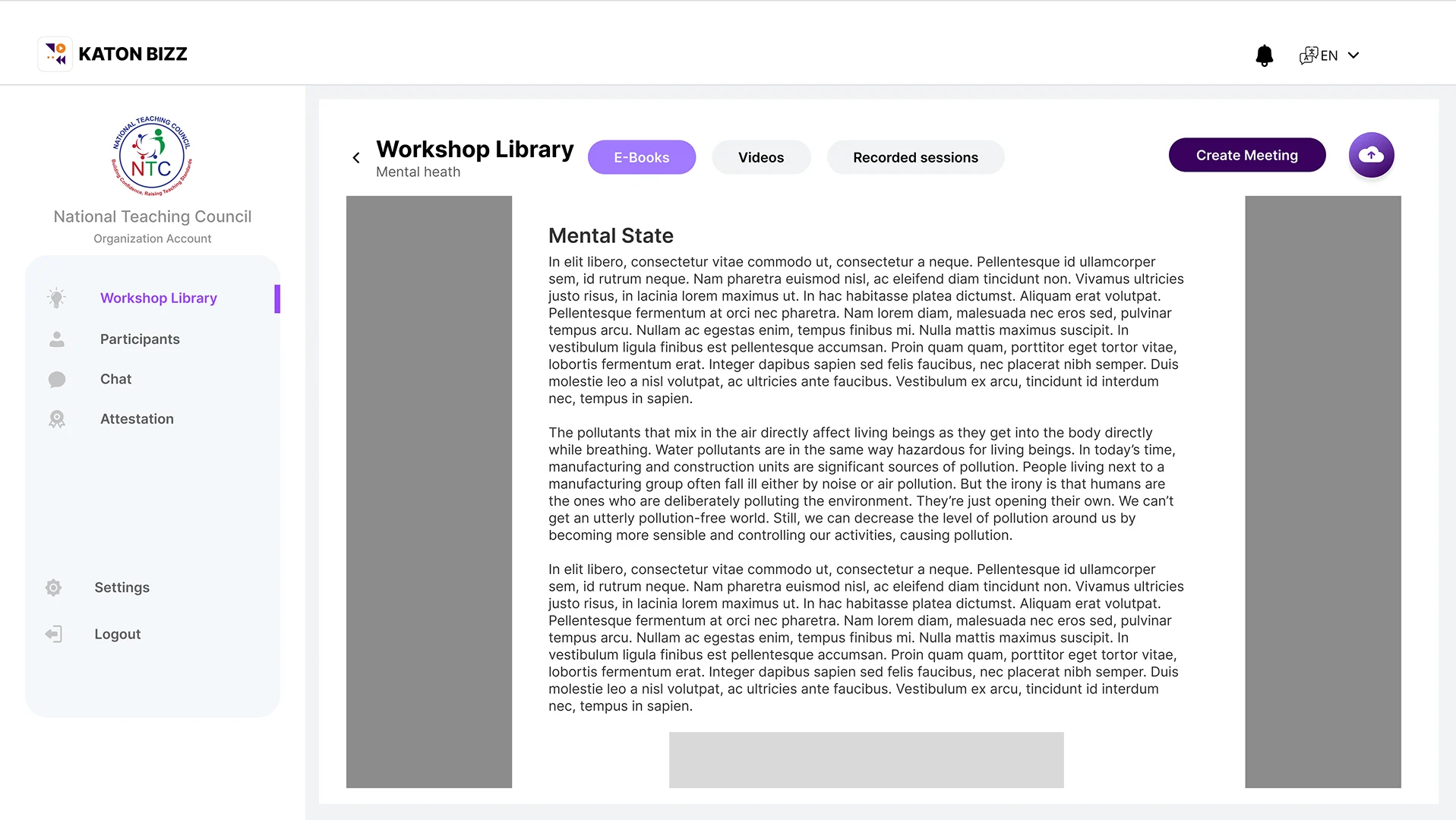
Book view
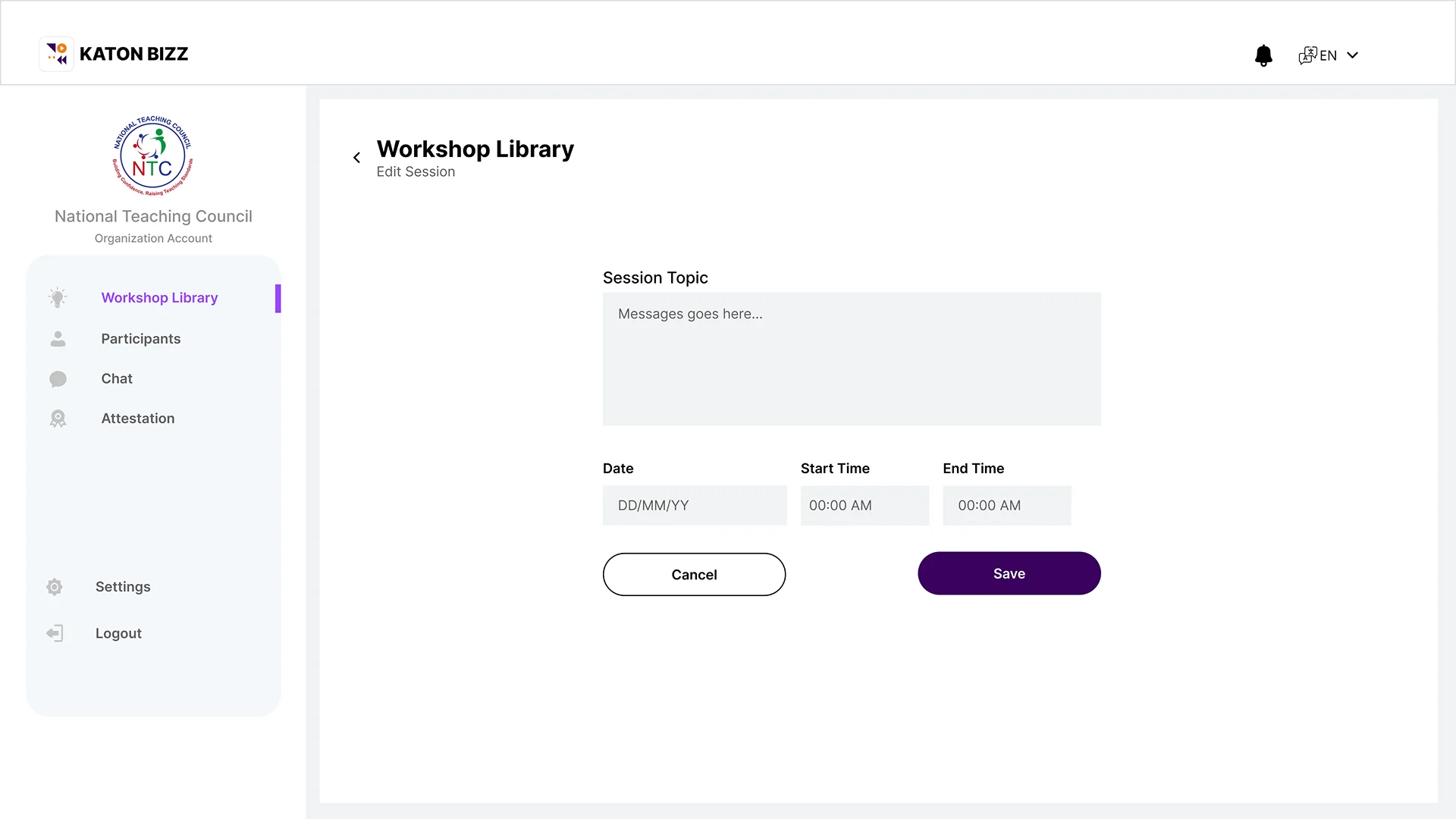
Schedule a Meeting
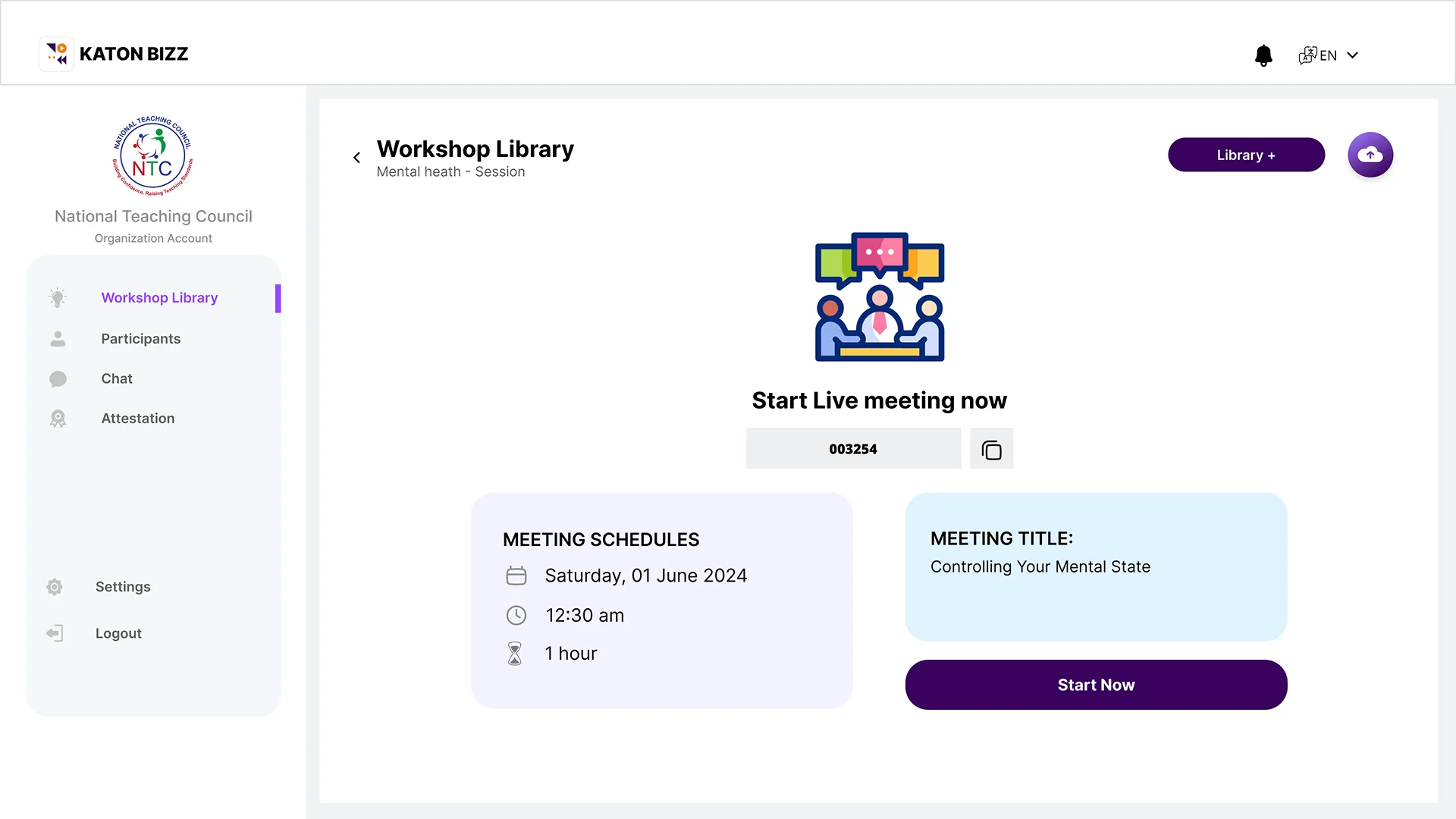
Start Meeting
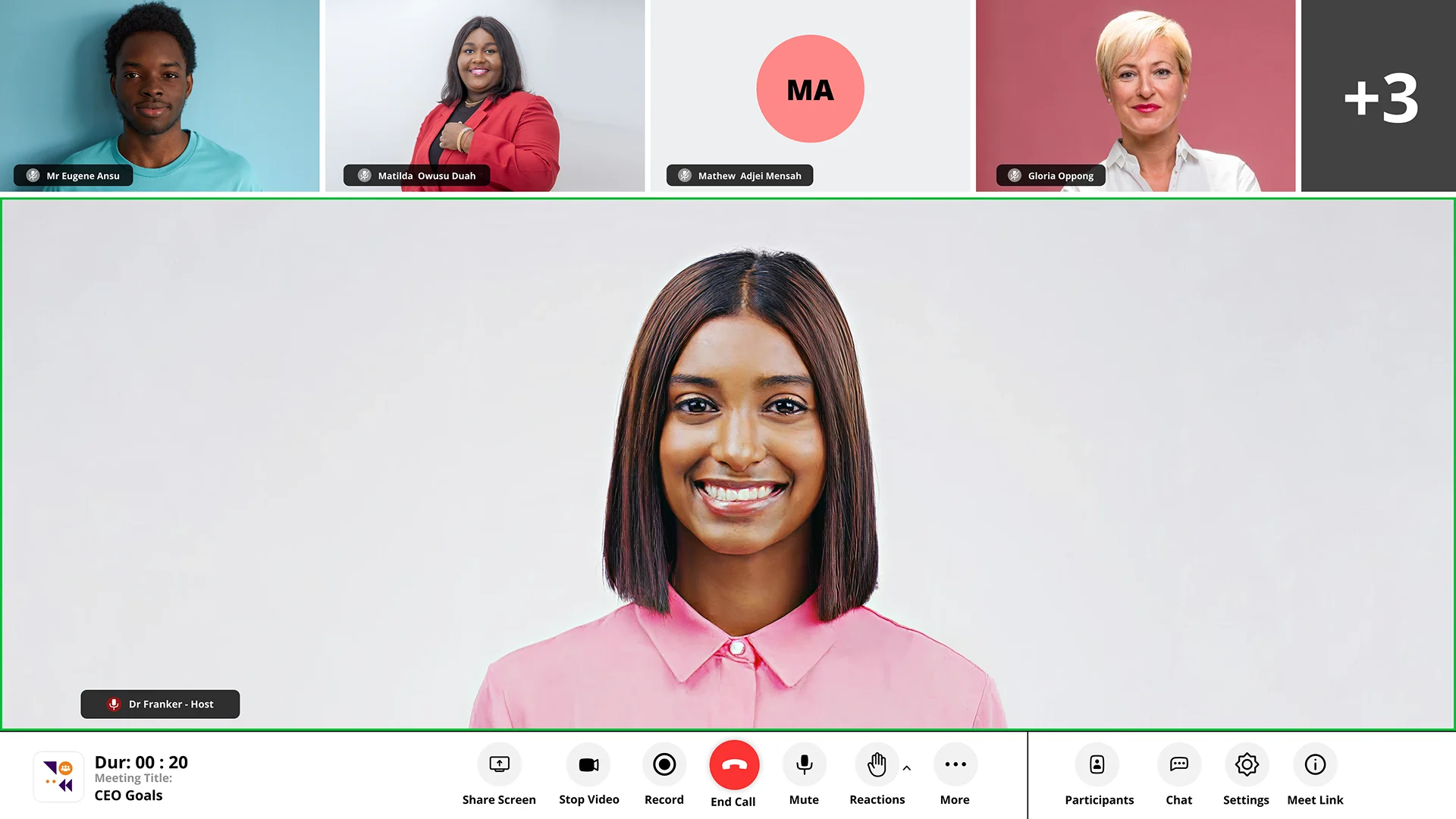
Meeting View
Recorded Sessions
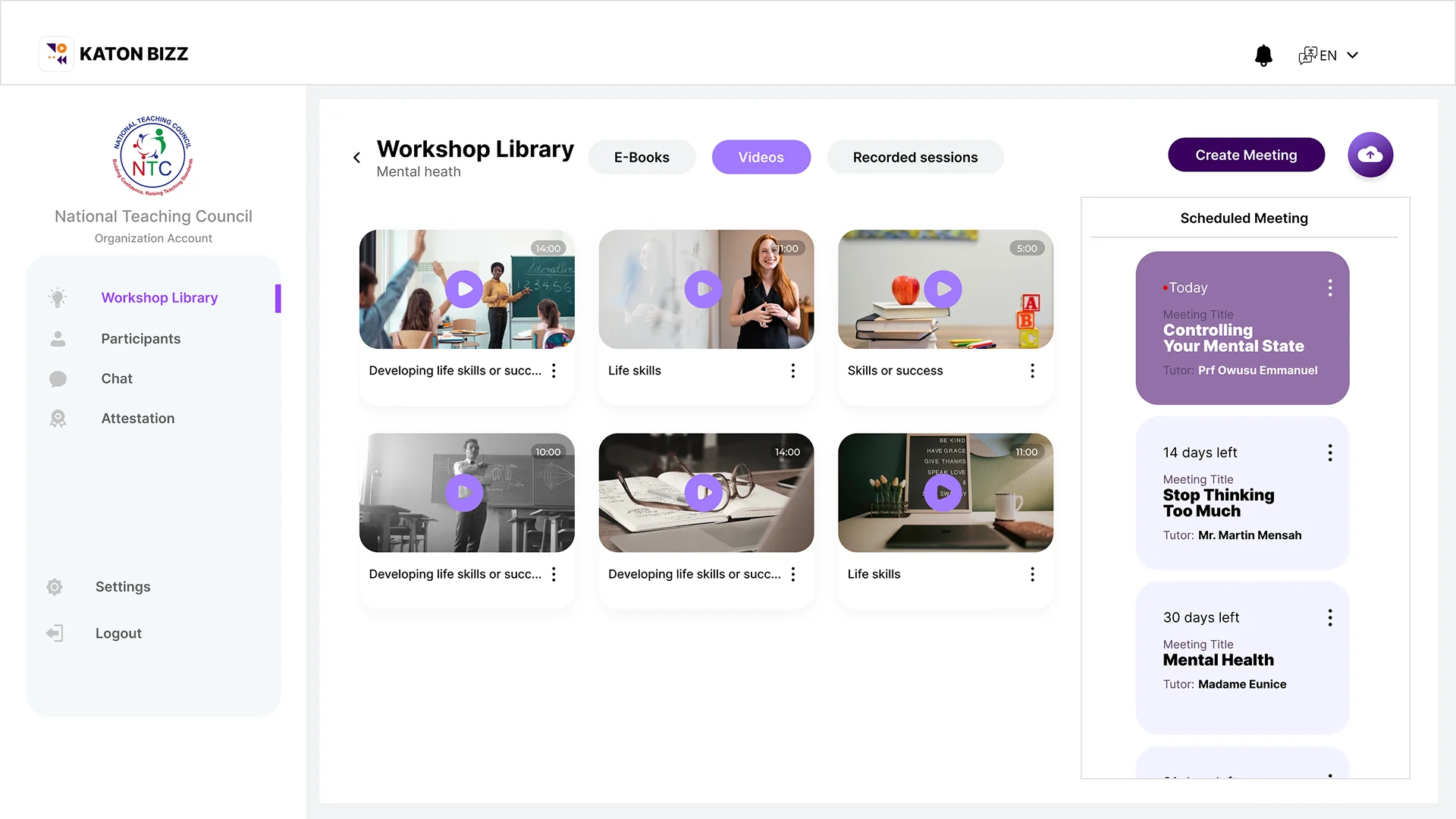
Videos
Participants
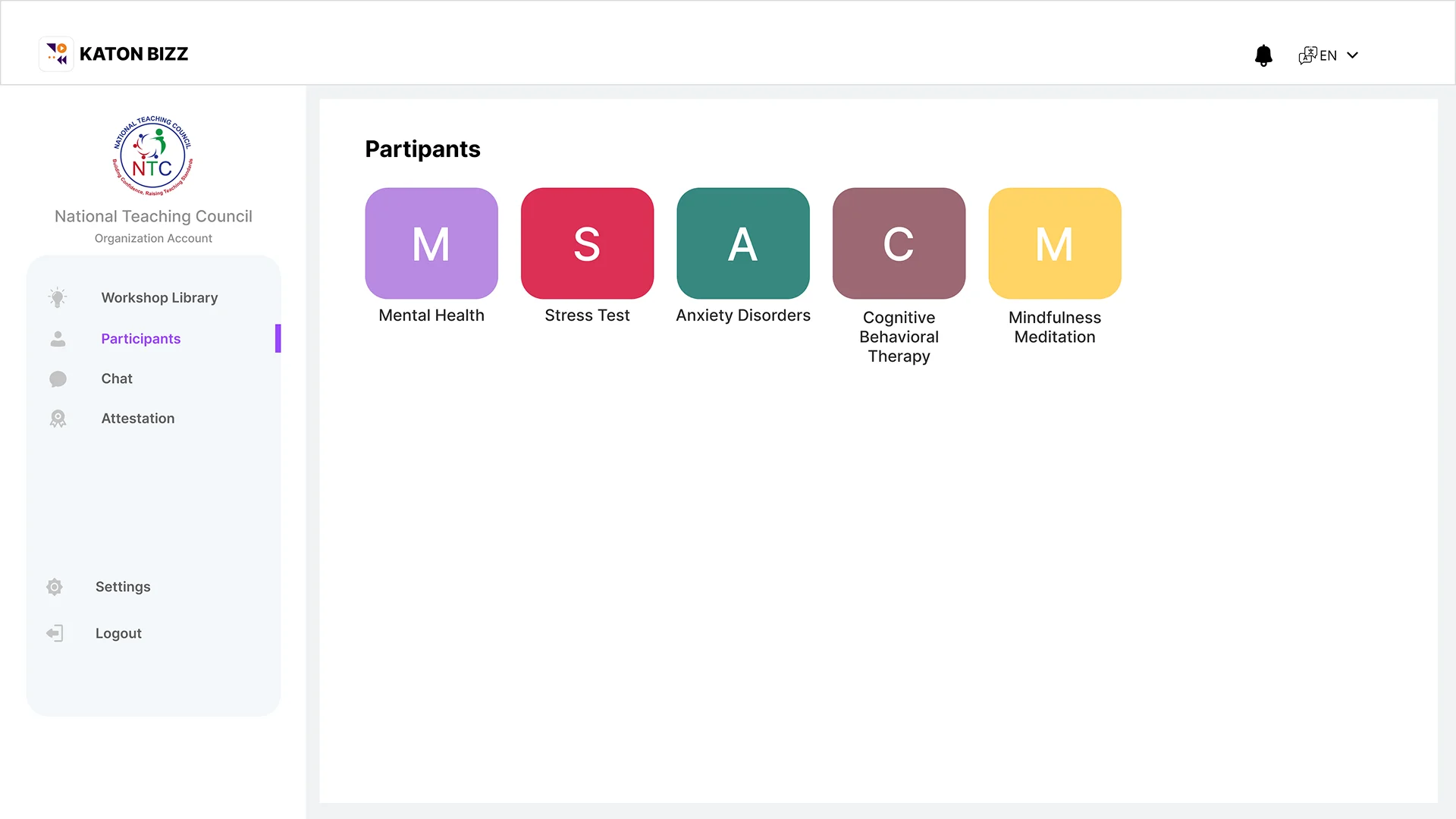
Participants and Facilitators Analytics
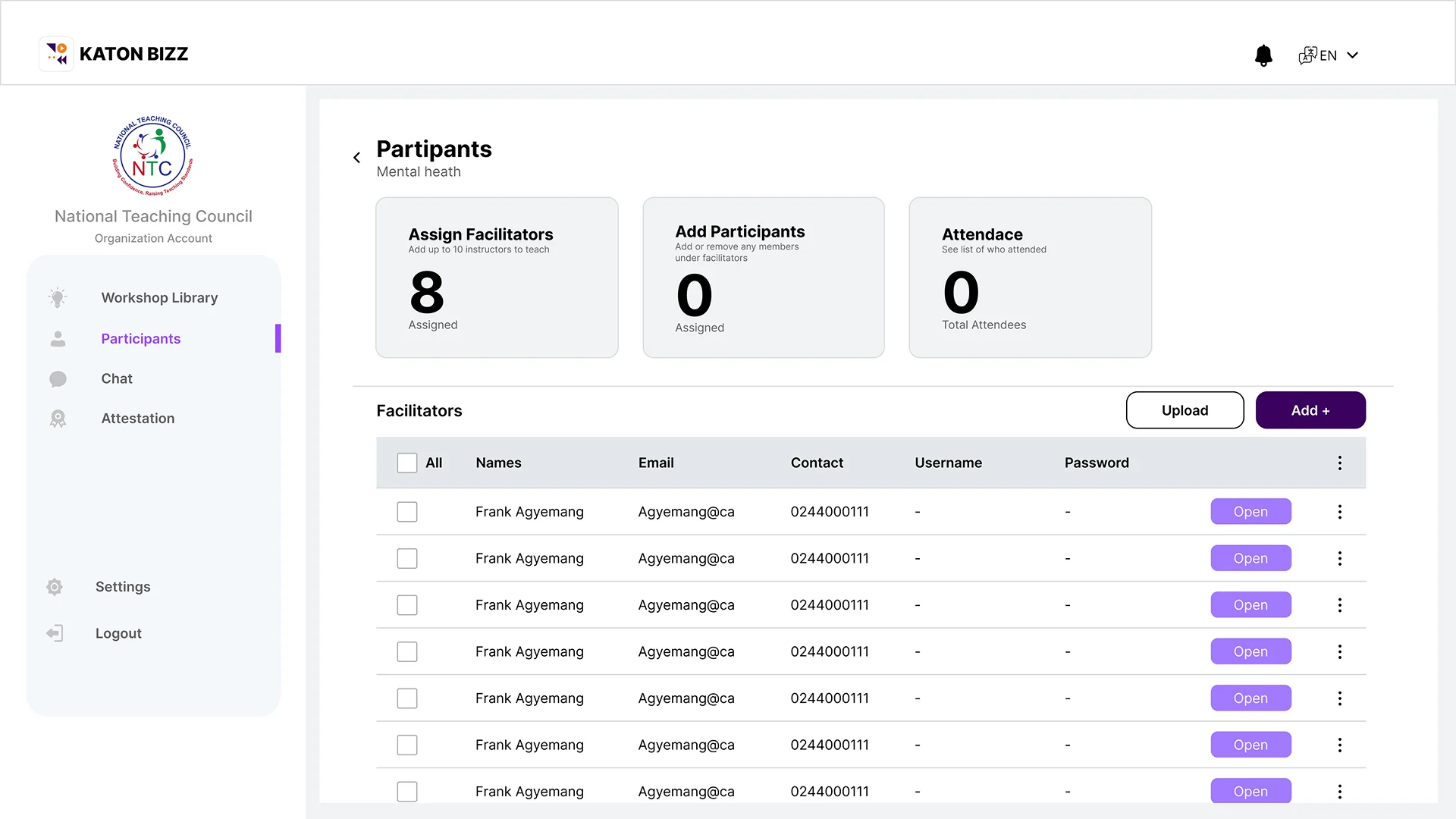
Assigned Facilitators
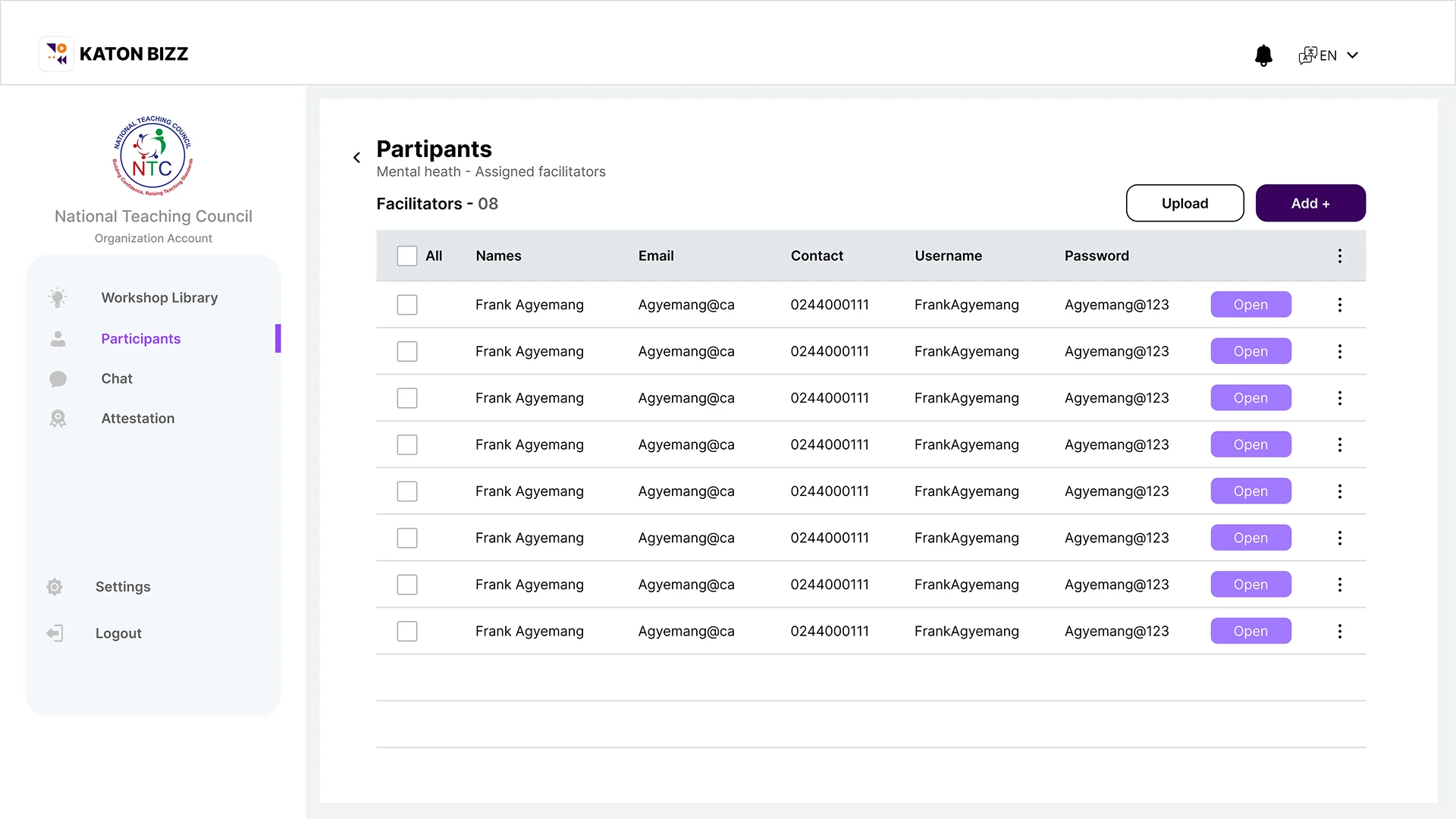
Chat – Channel
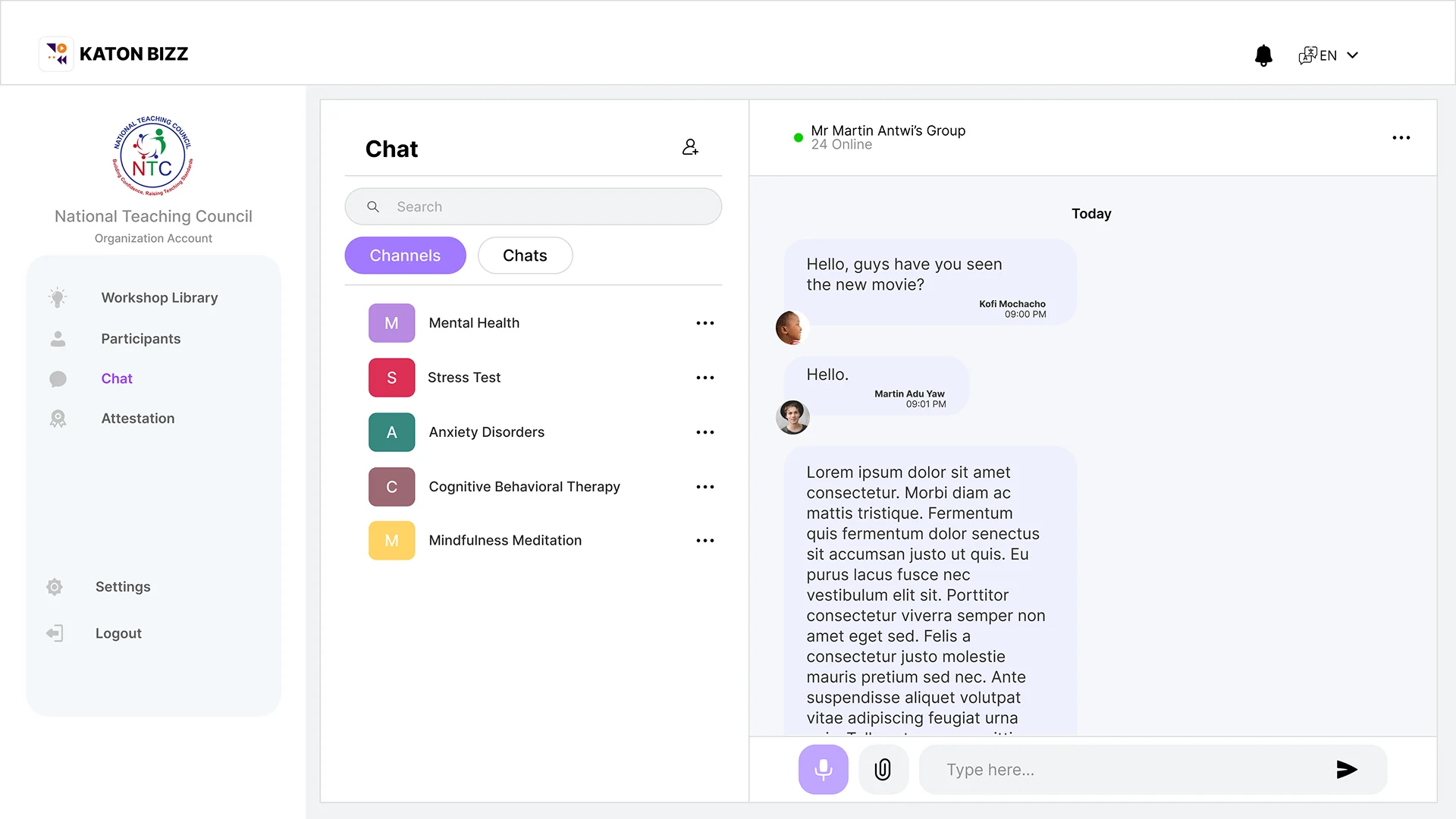
Chat – 1 on 1 Chat
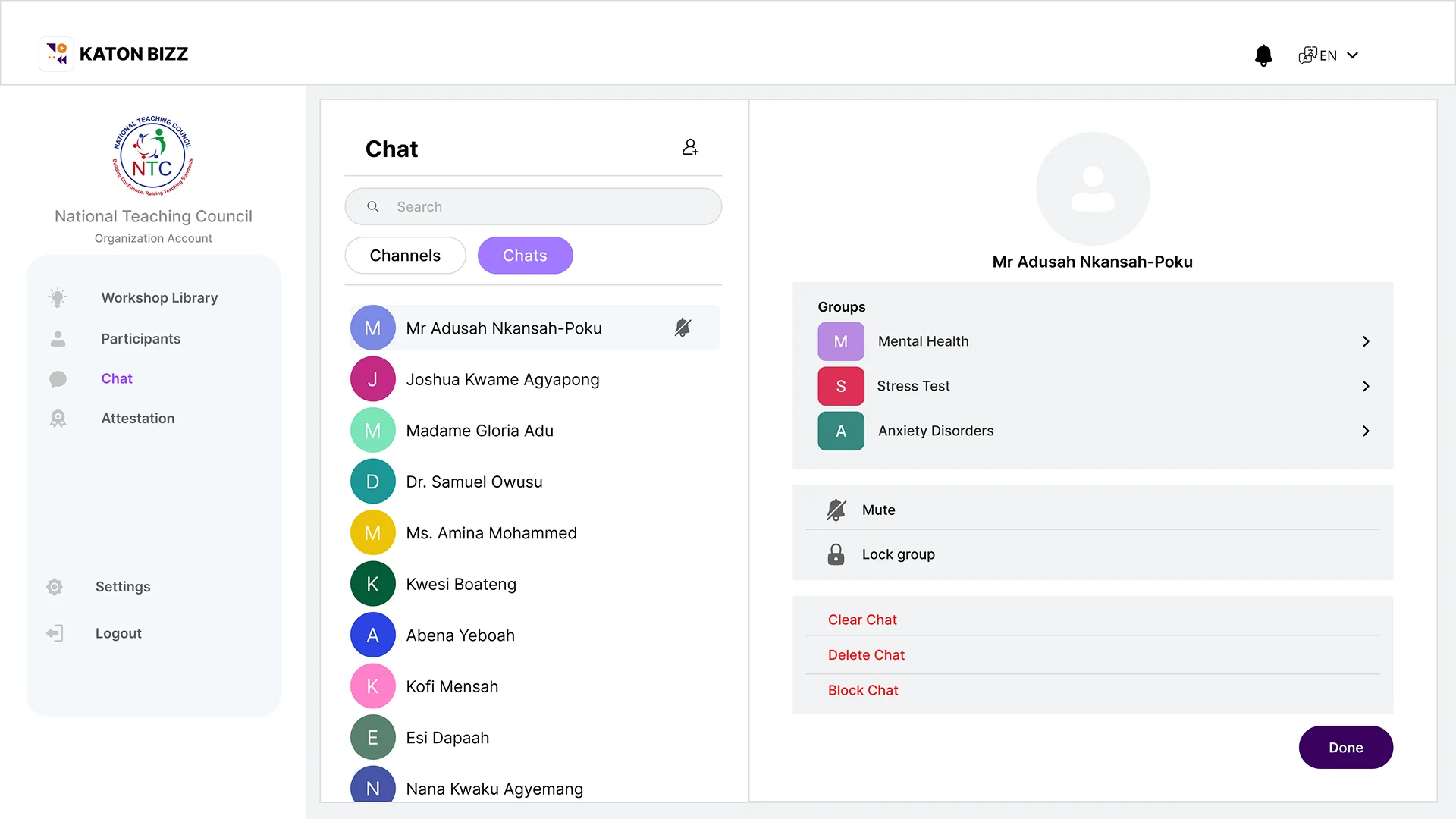
Chat – Contact info
Attestation
Attestation
Attestation
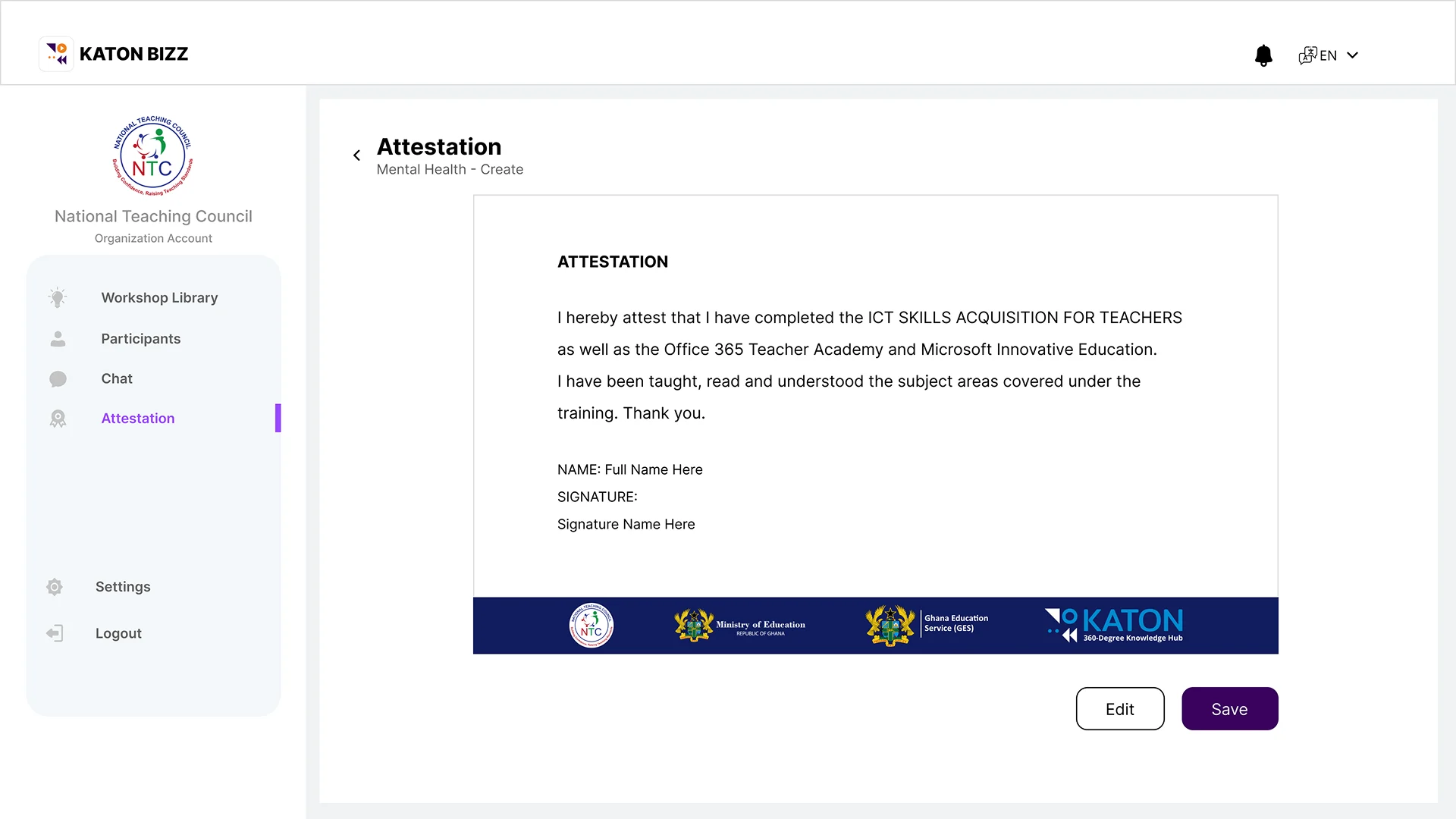
Attestation
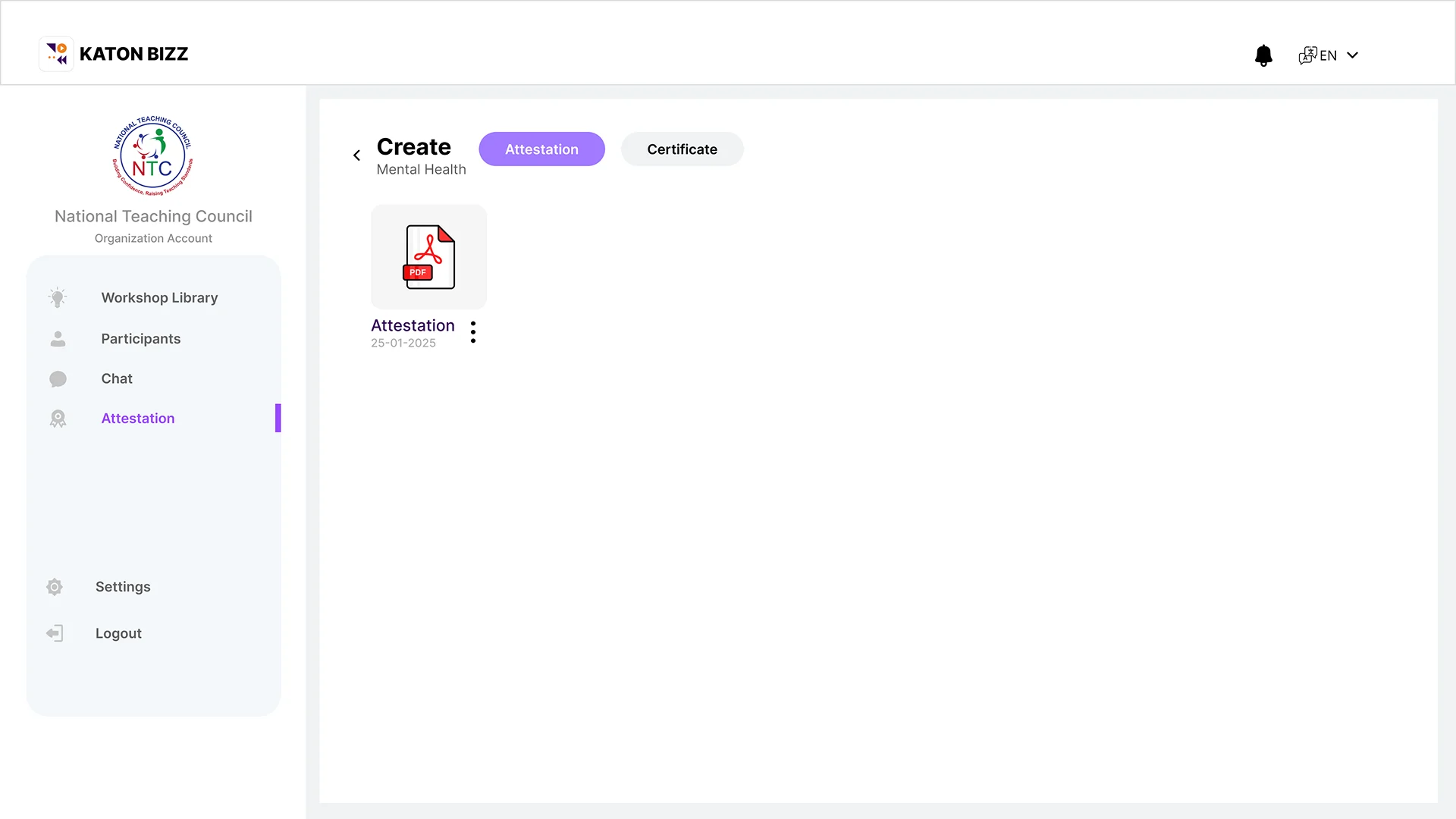
Certifications
Meeting Started
Set a Participant Flow
Training
Workshop Library
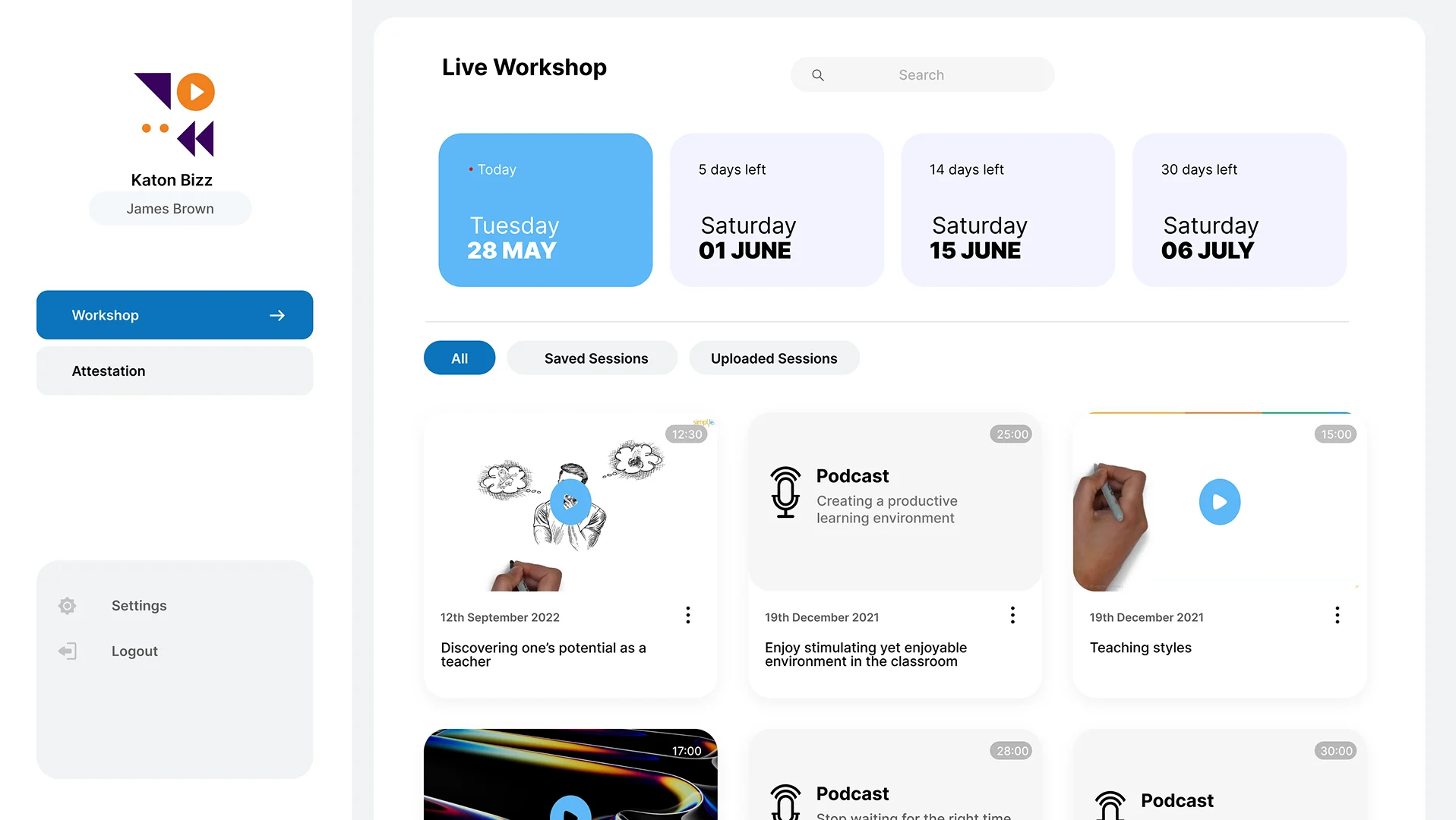
Attestation
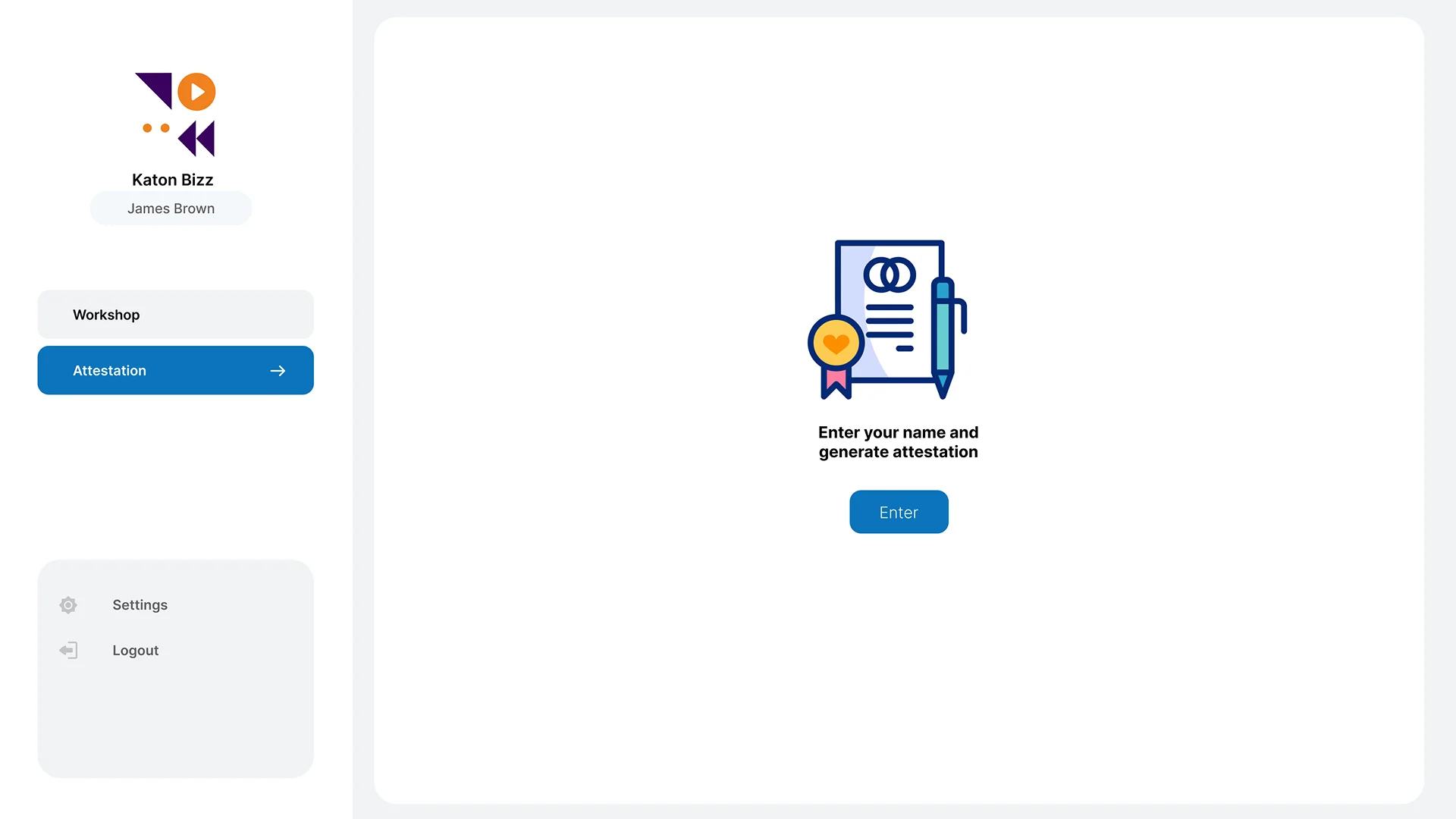
Attestation/Certificate
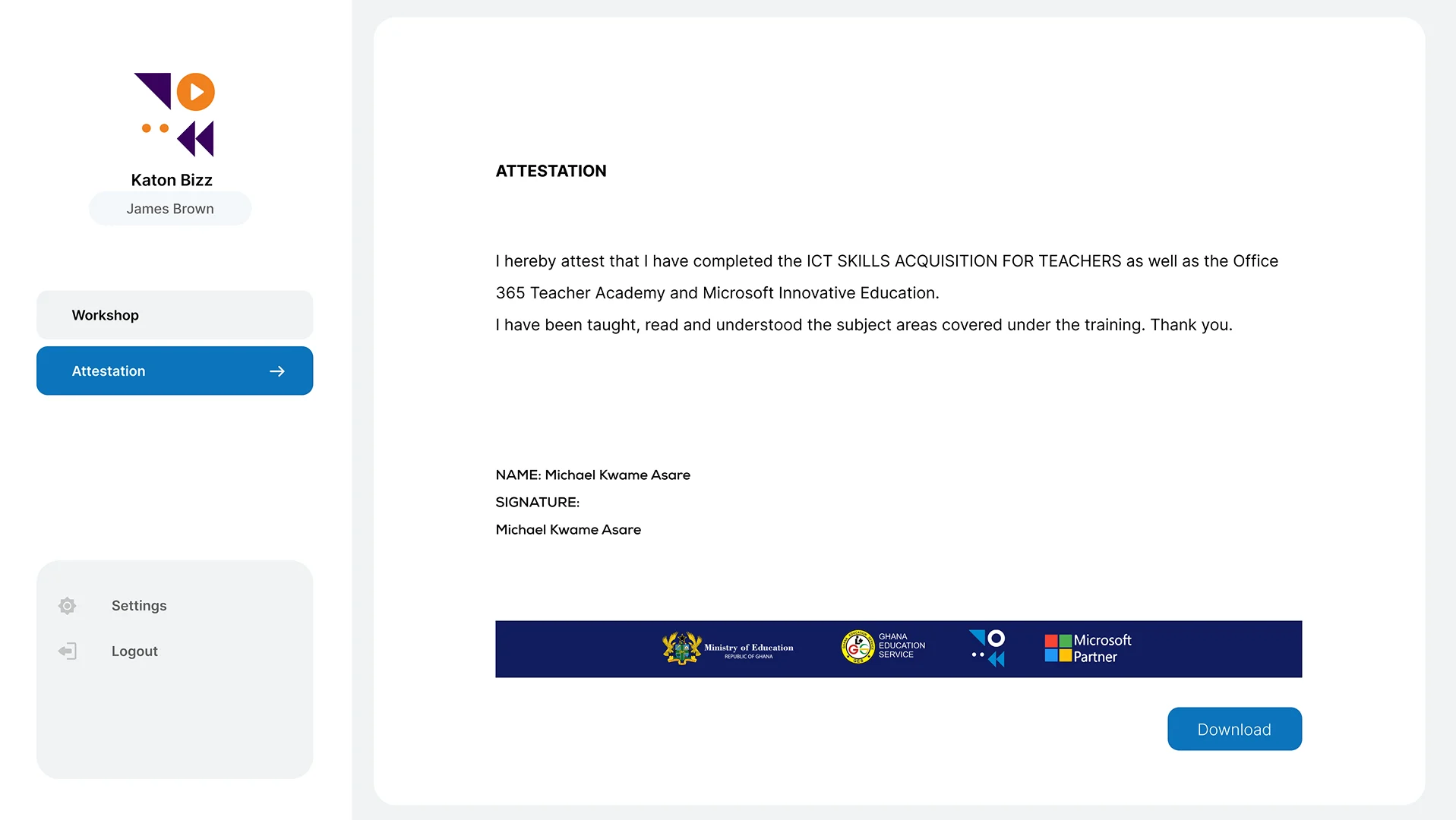
Recorded Sessions
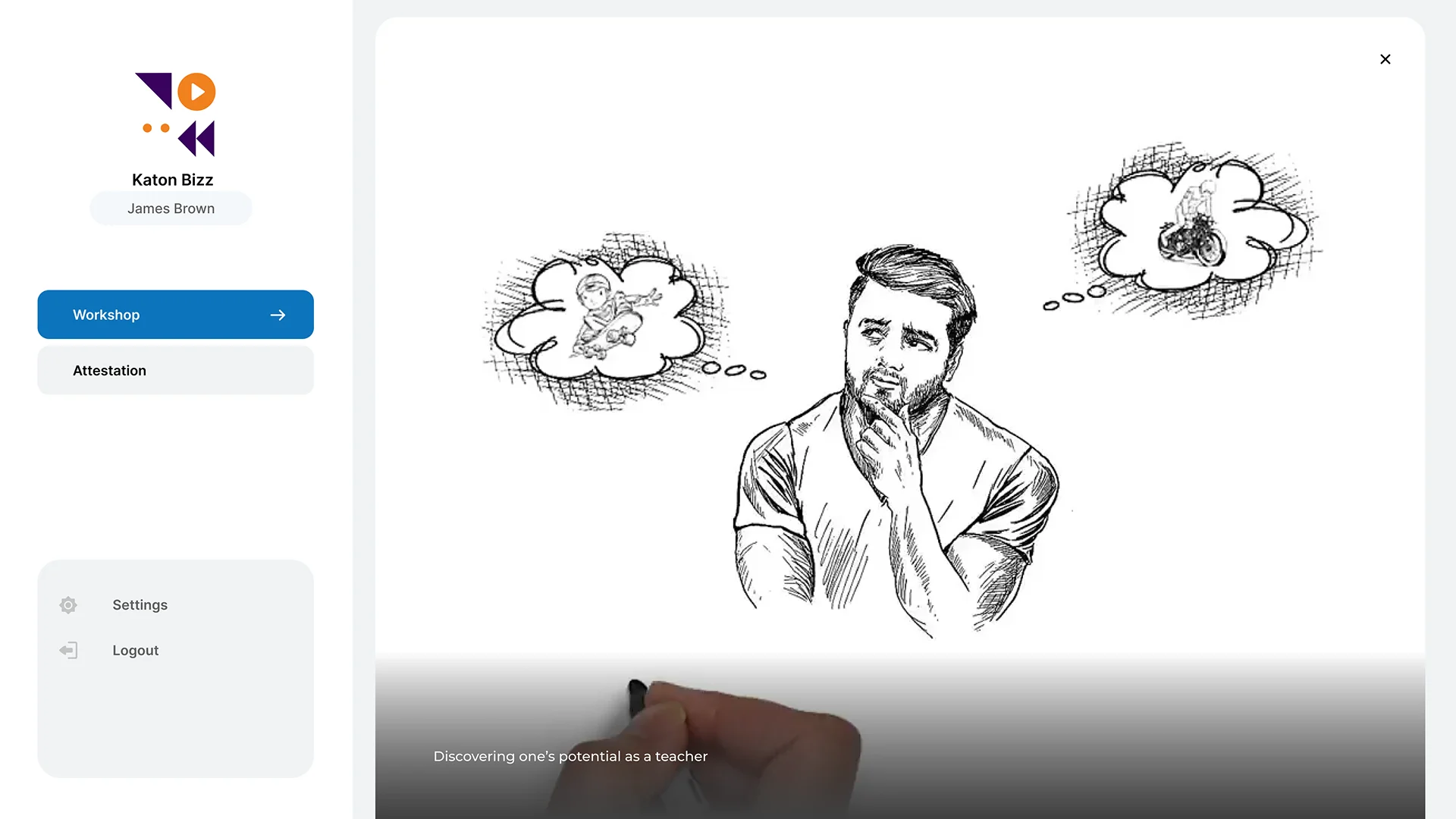
Join Meeting
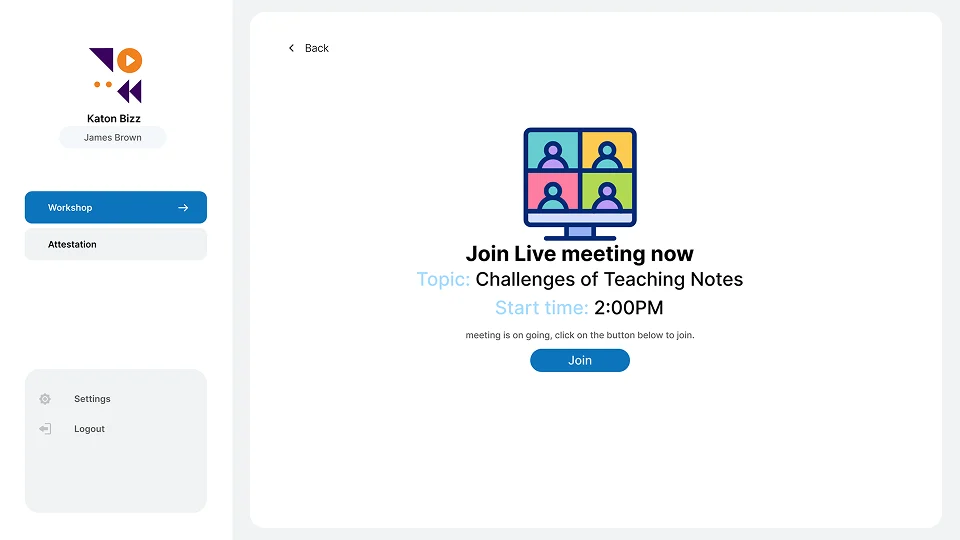
Meeting View